1
3. Access Procedures
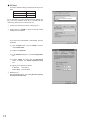
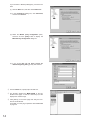
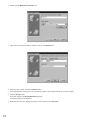
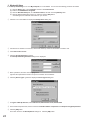
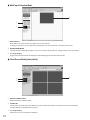
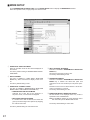
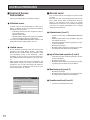
q Double-click the new icon in the Dial-Up Networking window.
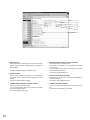
w After checking the contents of the dialog box, click the [Connect] button.
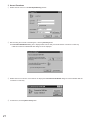
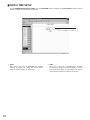
The Connection Established dialog box is displayed after a short delay to indicate that the connection is under way.
* With some versions of Windows95 this dialog box is not displayed.
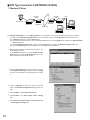
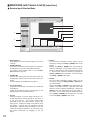
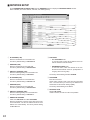
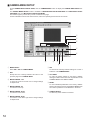
e Double-click the icon shown on the task bar to display the Connected to WJ-NT104 dialog box which indicates that the
connection is under way.
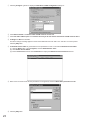
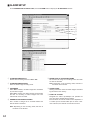
r To disconnect, click the [Disconnect] button.
21