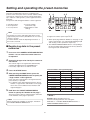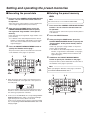
1
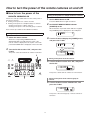
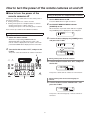
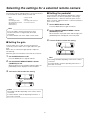
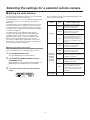
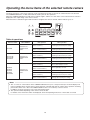
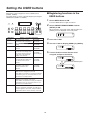
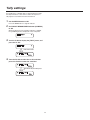
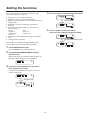
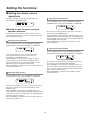
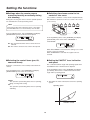
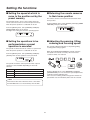
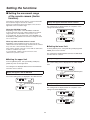
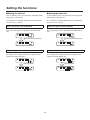
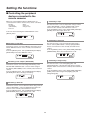
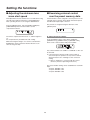
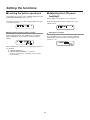
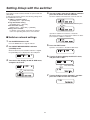
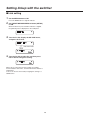
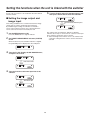
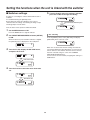
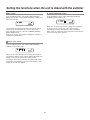
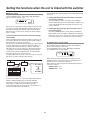
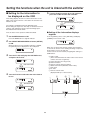
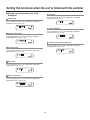
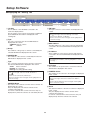
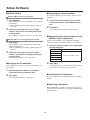
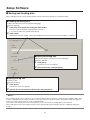
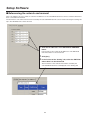
Setting the functions Returning the remote cameras to their home position Setting the speed at which to move to the position set by the preset memory The remote cameras connected can be returned to their home position. The speed at which to move to the position where the remote camera has been set to be in the preset memory when the preset operation is conducted can be set. From the [SETUP] menu, select [PRESET] and display [HOME POSITION]. Then press the F2 dial. From the [SETUP] menu, select [PRESET] and display [DIAG SPEED]. Then set the speed. The higher the setting, the faster the operating speed. 1 . DI A G S P E E D 3.HOME POSITION▲ SET ▼ 1 Adjusting the panning, tilting, zooming and focusing speed Setting the operations to be performed when a preset operation is executed The speed is adjusted uniformly for the panning, tilting, zooming and focusing together. The operations which the remote camera is to performed when the preset operation is conducted can be set. When the PTZ/FOCUS SPEED dial is turned clockwise, the speed is increased; conversely, when it is turned counterclockwise, it is reduced. From the [SETUP] menu, select [PRESET] and display [SCOPE]. Then set the operations to be performed. 2 . SC O P E 1 MODE A IRIS AUTO 2 3 4 5 PT ACTIVE CAMERA STATUS / SELECTION AUTO The operations that the camera performs when a preset operation is executed differ depending on the mode selected. Mode ZOOM WIDE FOCUS/PUSH OTAF LOW HI PTZ/FOCUS SPEED PAN/TILT Operations performed MODE A Pan, tilt, zoom, focus, iris, gain, white balance MODE B Pan, tilt, zoom, focus, iris MODE C Pan, tilt, zoom From the [SETUP] menu, select [OPERATE] and display [SPEED TARGET]. If P/T is selected, the speed adjustment is confined to panning and tilting only. In this case, the zooming and focusing speed is fixed to the speed which was set immediately before P/T was selected. Note This function takes effect when the unit is connected to the AW-HE50. It does not work with any other models. 21