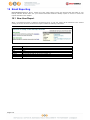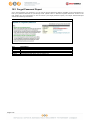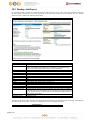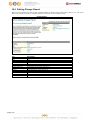
1
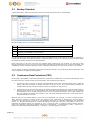
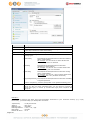
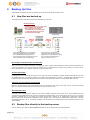
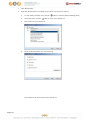
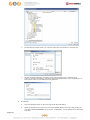
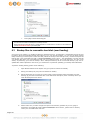
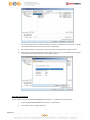
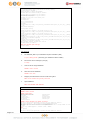
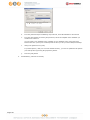
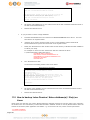
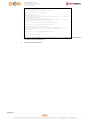
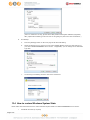
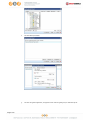
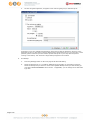
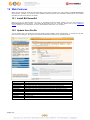
Enter one of the following commands directly into the Pre-Backup Command:
net use \\Netware\Data password /USER:peter
net use \\WorkgroupComputer1\Data password /USER:WorkgroupComputer1\peter
This will authenticate the current process with the NetWare server (or another computer in a windows workgroup)
and backup will then run correctly.
5.7
Backup Filter
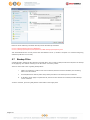
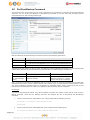
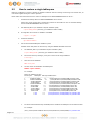
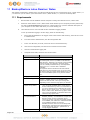
A “Backup Filter” defines the file selection rules that allow user to easily include/exclude files into/from the backup
set by applying user defined criteria(s) to the file names or directory names.
There are some basic rules regarding backup filters:
i.
Filters are checked in creation order. Once inclusion/exclusion has been identified, the remaining
filters won't be checked.
ii.
Inclusion/Exclusion made by filter always takes precedence over backup source selections
iii.
If all filters do not apply to a particular file, this file is then checked for inclusion/exclusion backup
source selections
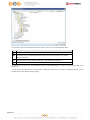
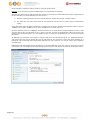
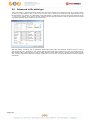
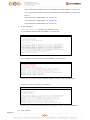
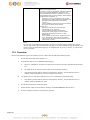
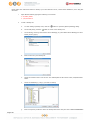
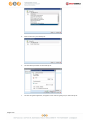
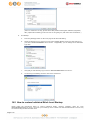
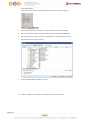
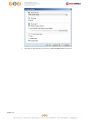
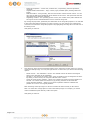
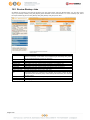
To add a new filter, press the [Add] button at the bottom of the right panel.
Pagina 31