1
R-Backup Manager v5.5
User’s Guide
5.14 Extra Backup (Off-Line backup, Logout Reminder)
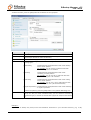
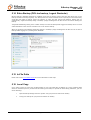
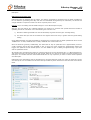
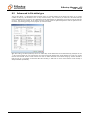
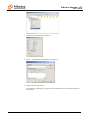
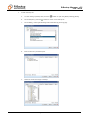
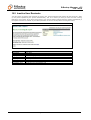
Off-line backup is basically designed for notebook users who are off-line most of the time and cannot rely on the
backup schedule to backup regularly. The "Backup Interval" allows notebook users to specify the interval that they
would like their data to backup. When the machine is online and this interval has elapsed, backup will run
automatically. If [Off-Line Backup Alert] is enabled, a popup message box will ask the user to confirm starting the
backup.
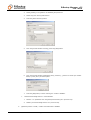
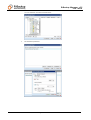
The [Email Notification] setting is the number of days since the last backup that triggers the backup server to send
email notification to the client to remind him to run an off-line backup.
When the [System Logout Backup Reminder] setting is enabled, a popup message box will ask the user to start a
backup before logging out / shutting down Windows.
5.15 In-File Delta
Please refer to the in-file delta section for more information on this topic.
5.16 Local Copy
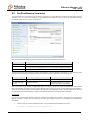
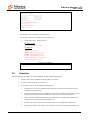
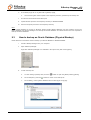
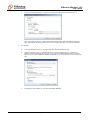
If you want to save an extra copy of backup data on your local hard disk (in addition to a copy of backup data
stored on the backup server) to minimize file-restoring time and/or to provide an extra safety precaution, you can
do the following:
i.
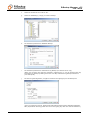
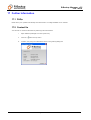
Open R-Backup Manager from the System Tray (see previous sections for details)
ii.
Setup your backup set (see previous sections for details)
Page 38 of 124