1
Chapter 25 Billing
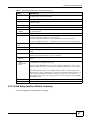
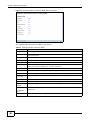
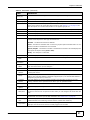
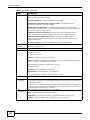
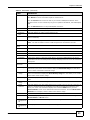
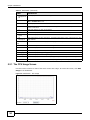
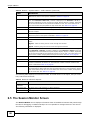
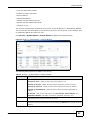
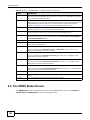
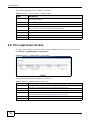
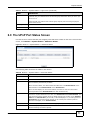
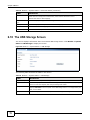
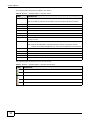
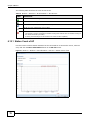
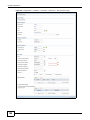
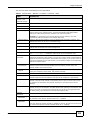
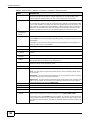
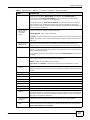
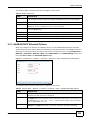
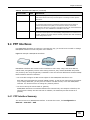
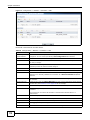
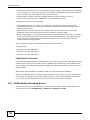
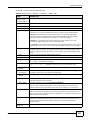
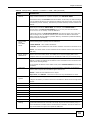
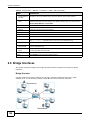
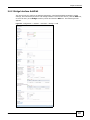
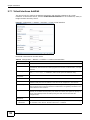
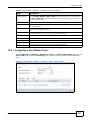
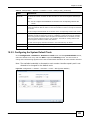
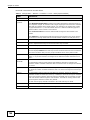
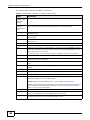
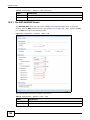
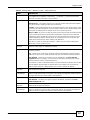
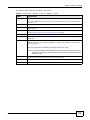
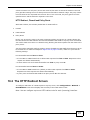
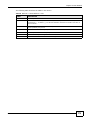
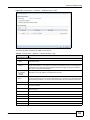
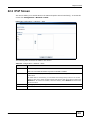
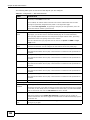
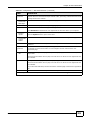
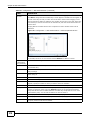
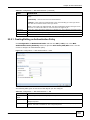
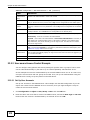
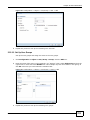
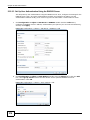
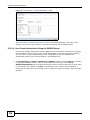
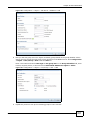
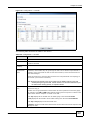
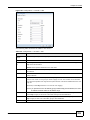
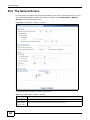
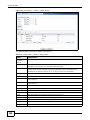
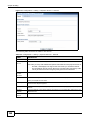
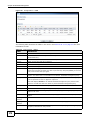
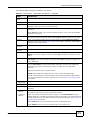
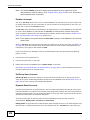
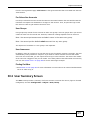
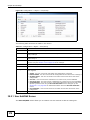
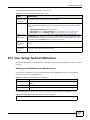
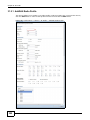
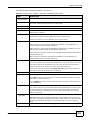
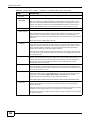
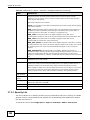
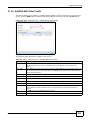
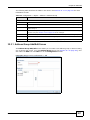
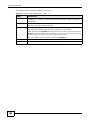
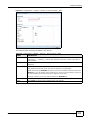
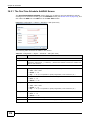
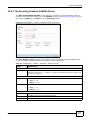
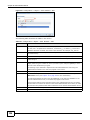
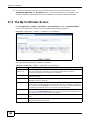
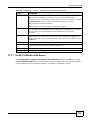
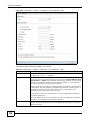
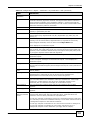
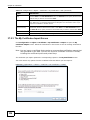
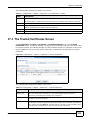
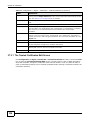
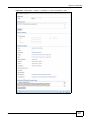
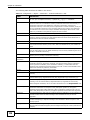
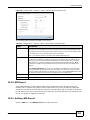
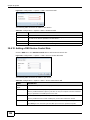
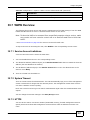
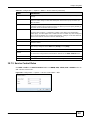
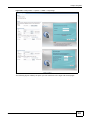
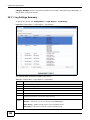
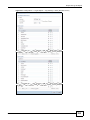
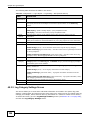
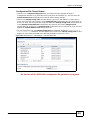
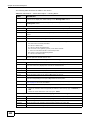
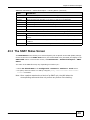
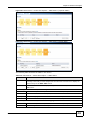
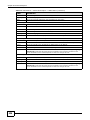
The following table describes the labels in this screen.
Table 123 Configuration > Billing > payment Service > General
LABEL
DESCRIPTION
Select Type
Use Default Page
Select this to use the default online payment service page built into the device. If you later
create a custom online payment service page, you can still return to the UAG’s default
page as it is saved indefinitely.
Use Customized
Page
Select this to use a custom online payment service page instead of the default one built
into the UAG. Once this option is selected, the custom page controls below become active.
Customized
Profile Selection
Page
Selection
Message
Enter a note to display in the first welcome page that allows users to choose a billing
period they want. Use up to 1024 printable ASCII characters. Spaces are allowed.
Customized
Successfully
Page
Successfully
Message
Enter a note to display in the second page after the user’s online payment is made
successfully. Use up to 1024 printable ASCII characters. Spaces are allowed.
Notification
Message
Enter the important information you want to display. Use up to 1024 printable ASCII
characters. Spaces are allowed.
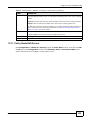
Notification Color Specify the font color of the important information. You can use the color palette chooser,
or enter a color value of your own.
Account Message Enter a note to display above the user account information. Use up to 1024 printable ASCII
characters. Spaces are allowed.
Day Time
Select the format in which you want to display the date and how long an account is allowed
to stay un-used before it expires.
Customized Fail
Page
Failed Message
Enter a note to display when the user’s online payment failed. Use up to 1024 printable
ASCII characters. Spaces are allowed.
Customized SMS
Page
Information
Message
Enter a note to display when you set the UAG to send account information via SMS text
messages. Use up to 1024 printable ASCII characters. Spaces are allowed.
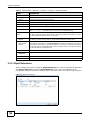
Apply
Click this button to save your changes to the UAG.
Reset
Click this button to return the screen to its last-saved settings.
UAG4100 User’s Guide
251