1
Novell Confidential
Manual (ENU) 21 December 2004
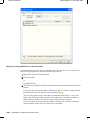
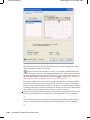
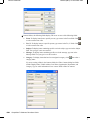
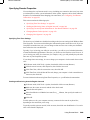
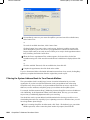
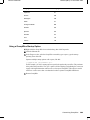
Specifying Your Remote Location
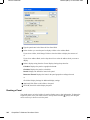
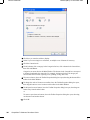
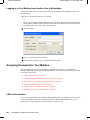
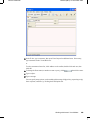
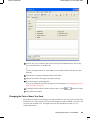
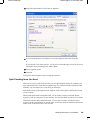
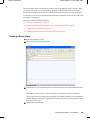
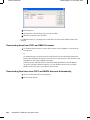
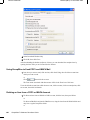
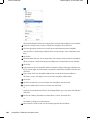
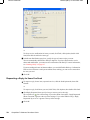
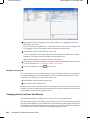
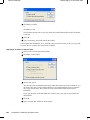
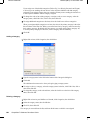
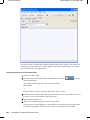
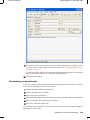
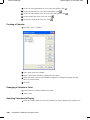
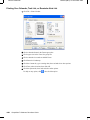
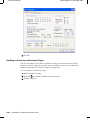
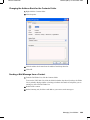
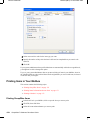
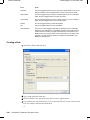
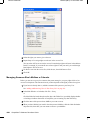
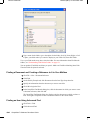
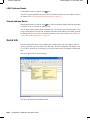
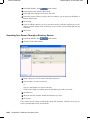
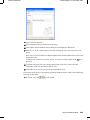
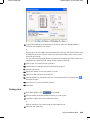
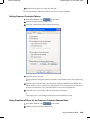
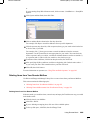
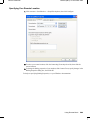
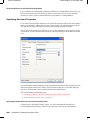
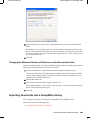
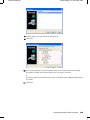
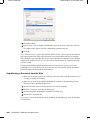
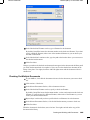
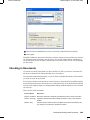
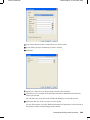
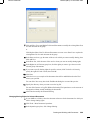
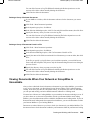
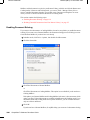
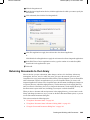
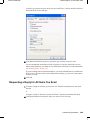
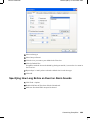
1 Click Accounts > Send/Retrieve > GroupWise Options, then click Configure.
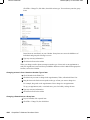
2 To select your remote location, click the Connecting From drop-down list, then click the
remote location.
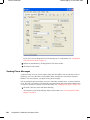
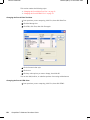
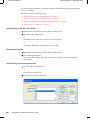
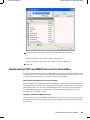
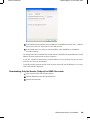
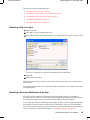
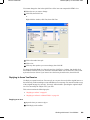
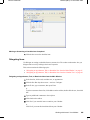
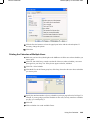
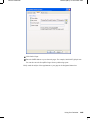
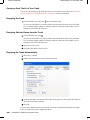
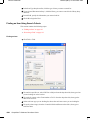
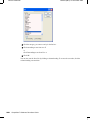
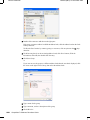
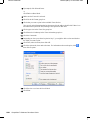
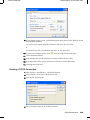
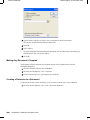
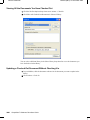
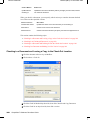
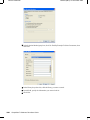
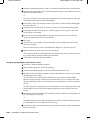
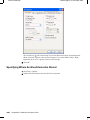
3 To change the dialing properties of your modem, click Connect From, specify changes in the
Dialing Properties dialog box, then click OK.
For help on specifying Dialing Properties, see your Windows documentation.
Using Remote Mode
261