1
Novell Confidential
Manual (ENU) 21 December 2004
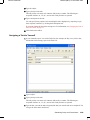
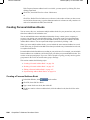
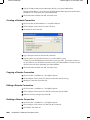
Creating a New Version of a Document
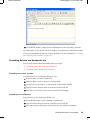
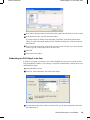
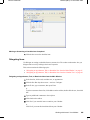
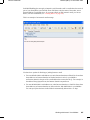
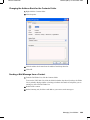
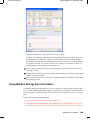
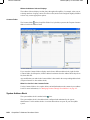
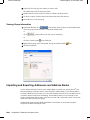
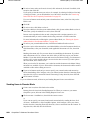
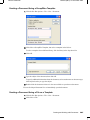
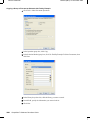
1 In your Mailbox, click the document reference for the document you want to create a new
version of.
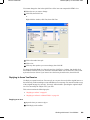
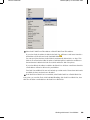
2 Click File > New > Document Version.
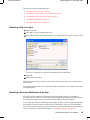
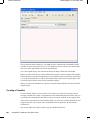
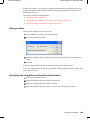
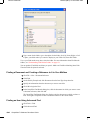
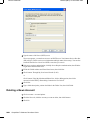
3 Type a description for this version of the document, then click OK.
The selected version and its properties are copied to a new version.
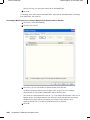
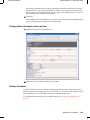
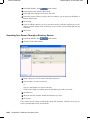
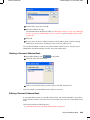
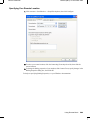
Viewing Version Information for a Document
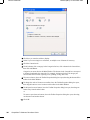
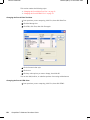
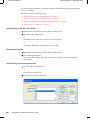
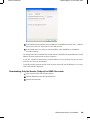
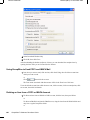
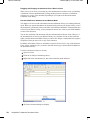
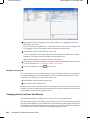
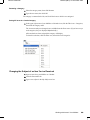
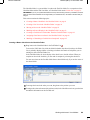
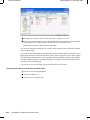
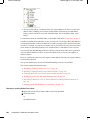
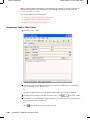
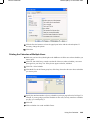
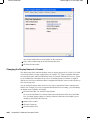
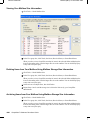
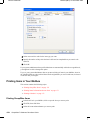
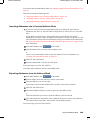
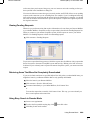
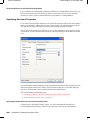
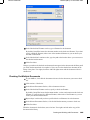
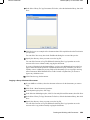
1 Click the document reference in your Mailbox.
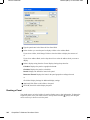
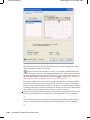
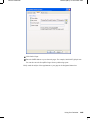
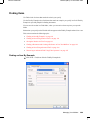
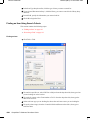
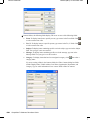
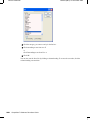
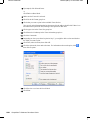
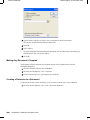
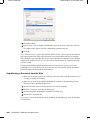
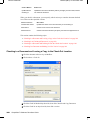
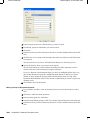
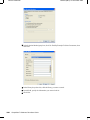
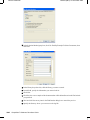
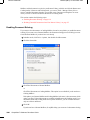
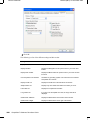
2 Click File > Properties, then click the Version tab.
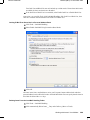
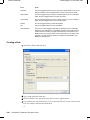
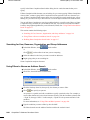
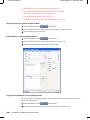
Specifying the Official Version of a Document
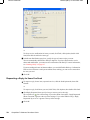
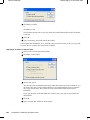
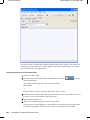
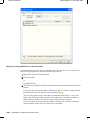
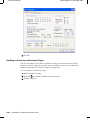
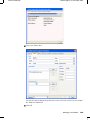
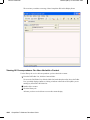
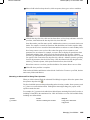
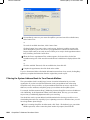
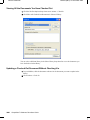
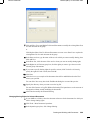
To set the official version, you must have rights to modify security settings and the system
administrator must have given you rights to set the official version of a document.
If you don't specify an official version, GroupWise uses the current version as the official version.
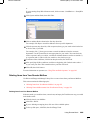
1 Click the document reference in your Mailbox.
316
GroupWise 7 Windows Client User Guide