1
Appendix D:
Installing VLC media player
Installing on PC
VLC media player is required to view camera streams from the web. To install
VLC media player.
1.
Click the VLC media player link in the Video section of the Optus
SecureCam platform.
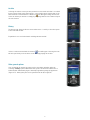
2. Select to save file (please note where the file is saved to).
3. Open/run the file downloaded.
4. Select the desired language then “OK”.
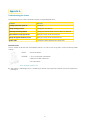
5. Select “Next”.
6. You will be directed to a VLC media player terms and conditions page.
If you agree to the conditions select “I Agree”.
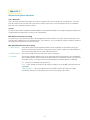
7. Select “Next”.
8. Select “Install”.
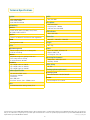
9. Congratulations you have successfully installed VLC media player,
select “Finish” to complete installation process.
21