1
18 Using the projector
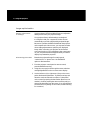
Focusing and zooming
the image
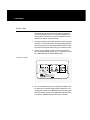
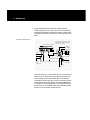
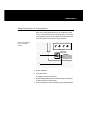
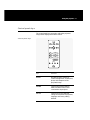
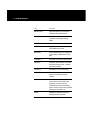
Focus the projected image with the FOCUS control either
on the control panel or remote control. Adjust the image
size by using the ZOOM control on the control panel or
remote control.
Keystone correction
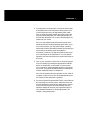
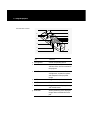
A keystone correction of 17 degrees is built into the
projector to compensate for image distortion. You may
want to adjust the rear feet of the projector to position
the image on the screen.
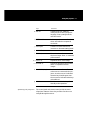
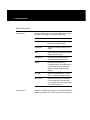
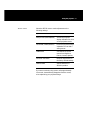
Image size
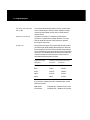
The projector 20–30mm (1.5:1) motorized zoom/focus lens
provides a high-quality display that ranges from 36 to 240
inches (diagonal). The size of the projected image changes
as you move the projector closer to the screen or adjust the
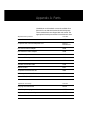
zoom lens. The following table indicates the minimum and
maximum distance from the projector to the screen for
most standard size projection screens.
Projected image
(diagonal)
Distance from projection screen
Minimum
Maximum
36 in.
42 in.
62.4 in.
60 in.
70.8 in.
104.4 in.
120 in.
141.6 in.
208.8 in.
180 in.
211.2 in.
313.2 in.
240 in.
282 in.
417.6 in.
If you wish to compute your own measurements, use the
following formula:
MIN 20mm:
Diagonal/.85 = Distance from screen
MAX 30mm:
Diagonal/.574 = Distance from screen