1
Confluence 3.0 Documentation
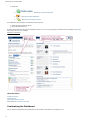
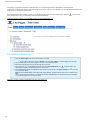
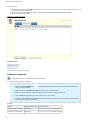
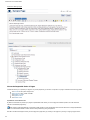
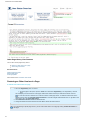
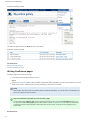
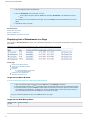
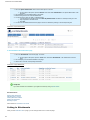
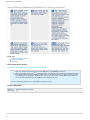
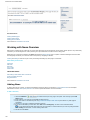
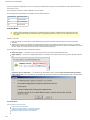
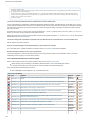
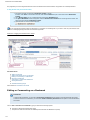
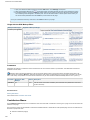
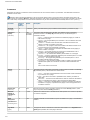
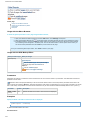
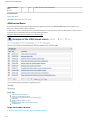
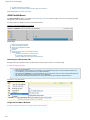
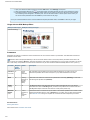
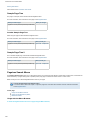
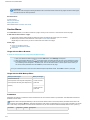
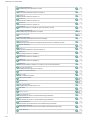
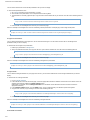
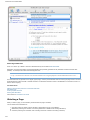
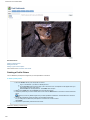
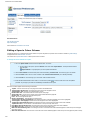
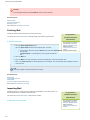
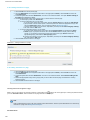
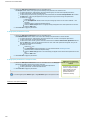
On the left of the screen you will see a text block for each item that matched the search criteria, with the following information for each item:
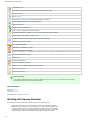
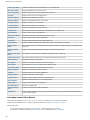
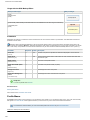
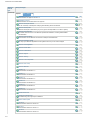
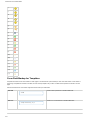
An icon representing the content type (user profile, space, page, news item, etc). See Confluence Icons.
The title or name of the content item.
For attachments: The size and type of file, with a link to download or view the attachment where relevant. See information on viewing
Office attachments below.
The most relevant few lines of content from within the item. Any words that match your search query are highlighted within the
content.
For personal profile items: The email address.
The space to which the item belongs, displayed on the last line of the item's text block.
The date when the content item was last modified.
You will see only search results which you have permission to view.
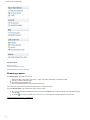
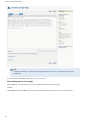
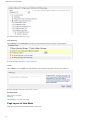
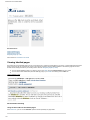
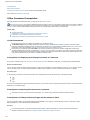
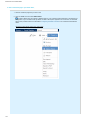
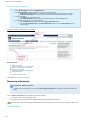
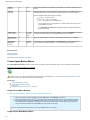
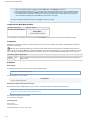
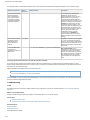
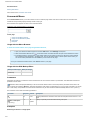
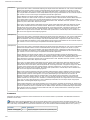
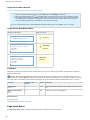
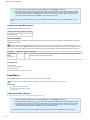
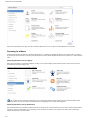
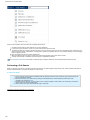
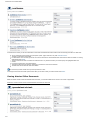
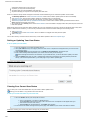
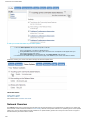
On the right of the screen are further options which allow you to tailor or filter your search results. See below.
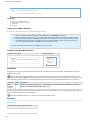
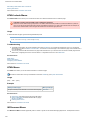
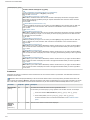
Viewing Attached Office Documents
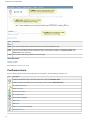
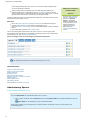
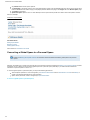
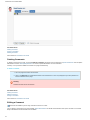
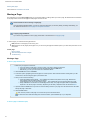
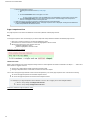
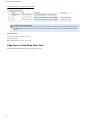
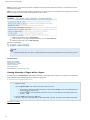
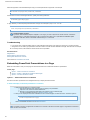
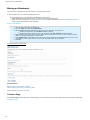
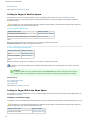
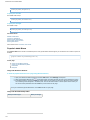
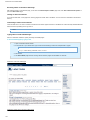
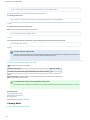
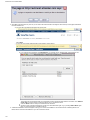
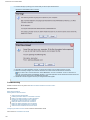
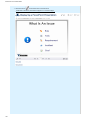
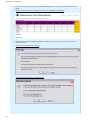
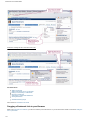
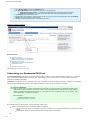
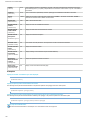
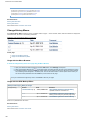
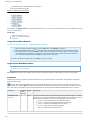
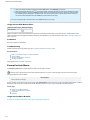
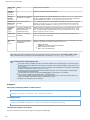
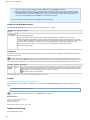
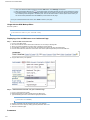
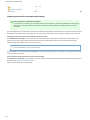
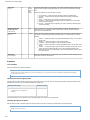
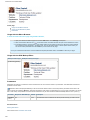
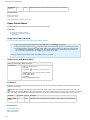
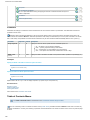
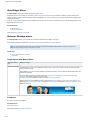
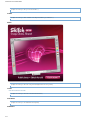
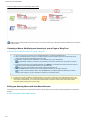
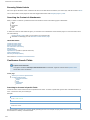
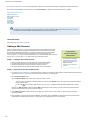
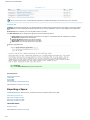
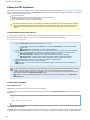
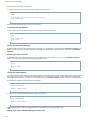
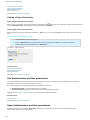
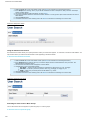
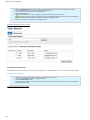
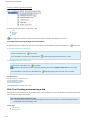
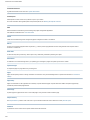
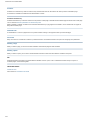
When the search results include an attached Office document, you will see a 'View' link as shown in the screen snippet below.
Screenshot : Search results include an attached Office document with 'View' link
331