1
Chapter 11 DSL Port Setup Screens
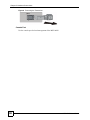
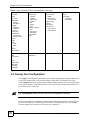
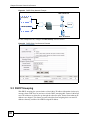
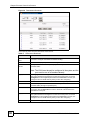
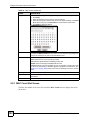
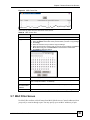
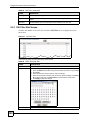
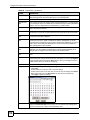
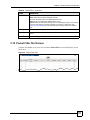
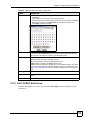
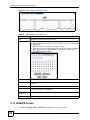
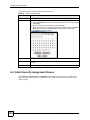
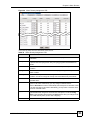
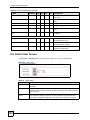
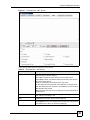
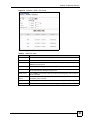
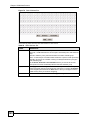
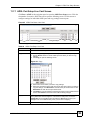
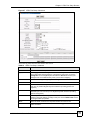
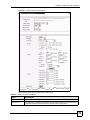
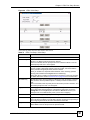
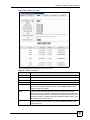
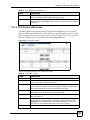
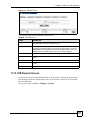
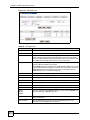
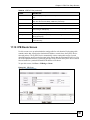
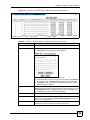
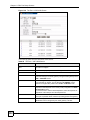
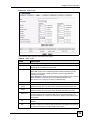
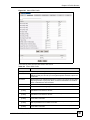
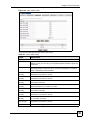
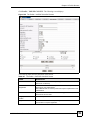
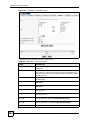
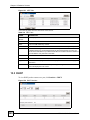
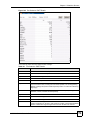
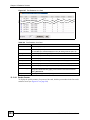
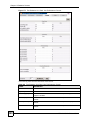
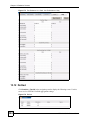
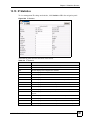
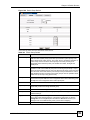
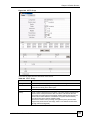
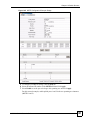
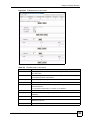
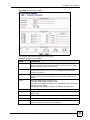
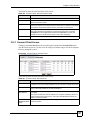
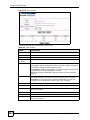
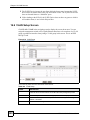
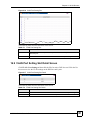
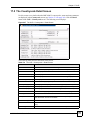
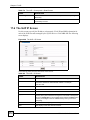
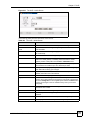
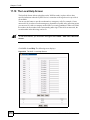
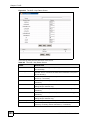
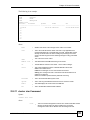
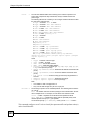
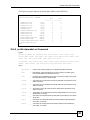
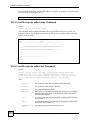
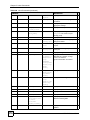
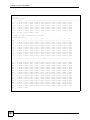
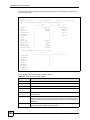
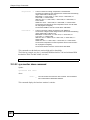
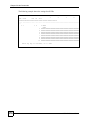
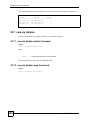
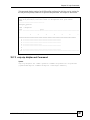
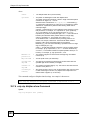
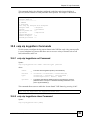
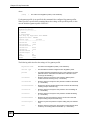
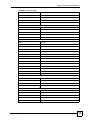
Figure 95 VDSL Port Setup: Advanced (ctd.)
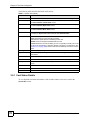
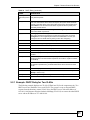
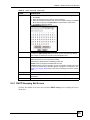
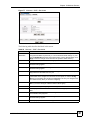
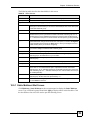
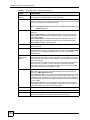
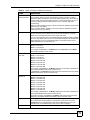
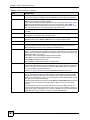
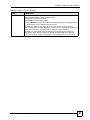
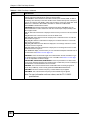
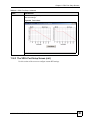
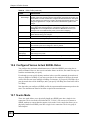
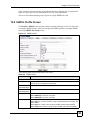
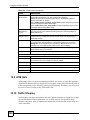
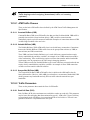
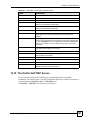
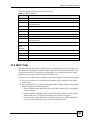
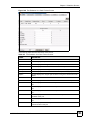
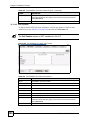
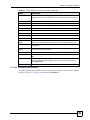
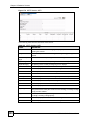
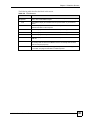
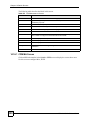
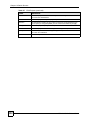
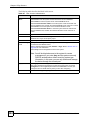
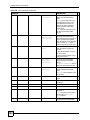
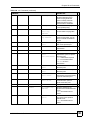
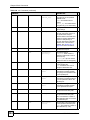
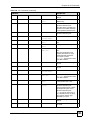
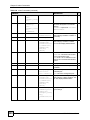
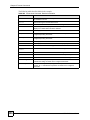
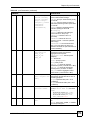
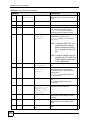
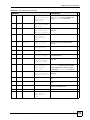
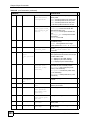
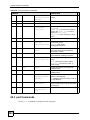
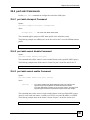
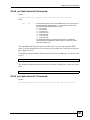
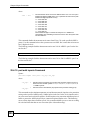
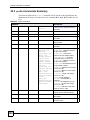
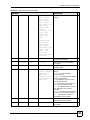
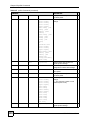
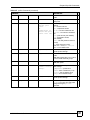
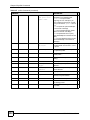
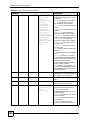
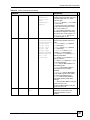
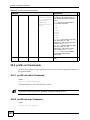
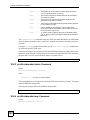
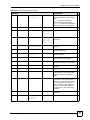
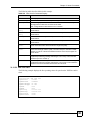
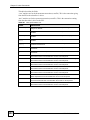
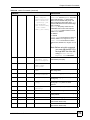
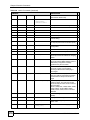
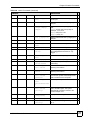
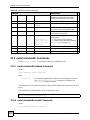
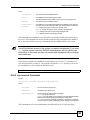
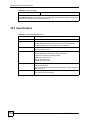
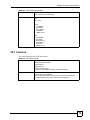
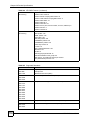
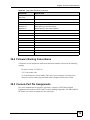
The following table describes the fields in this screen.
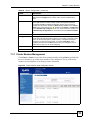
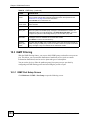
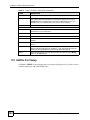
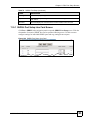
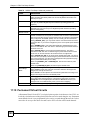
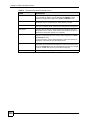
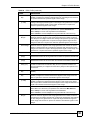
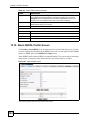
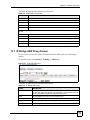
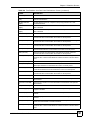
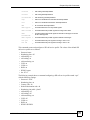
Table 66 VDSL Port Setup: Advanced
LABEL
184
DESCRIPTION
Index
This field displays the index number.
Enable
Select Enable to activate the RFI band.
Start
Enter the start of the frequency range in kilohertz (kHz).
End
Enter the end of the frequency range in kHz.
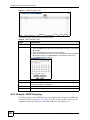
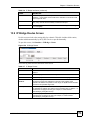
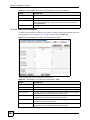
Apply
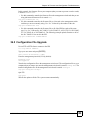
Click Apply to save the changes in this screen to the system’s volatile memory.
The system loses these changes if it is turned off or loses power, so use the
Config Save on the navigation panel and then the Save button to save your
changes to the non-volatile memory when you are done configuring.
Cancel
Click Cancel to begin configuring the fields again.
MSC1024G/1224G User’s Guide