1
Chapter 65: Quality of Service (QOS) Commands
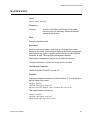
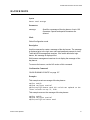
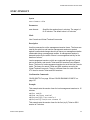
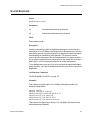
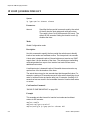
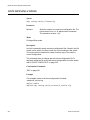
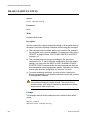
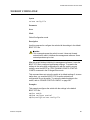
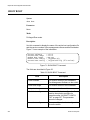
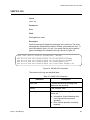
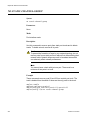
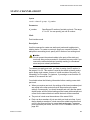
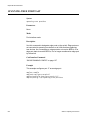
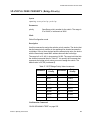
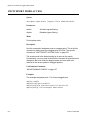
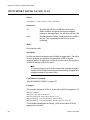
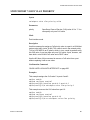
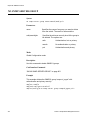
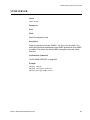
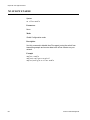
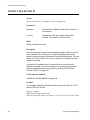
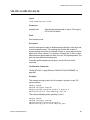
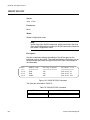
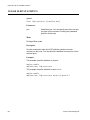
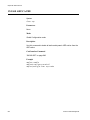
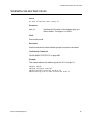
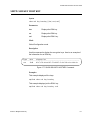
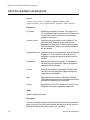
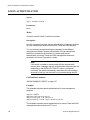
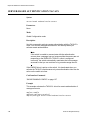
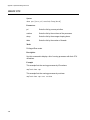
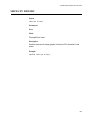
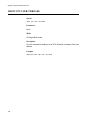
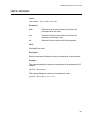
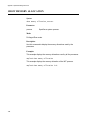
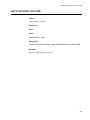
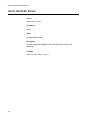
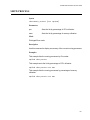
MLS QOS QUEUE
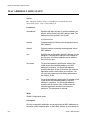
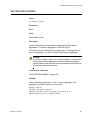
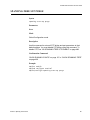
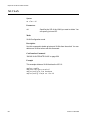
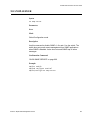
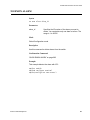
Syntax
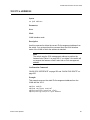
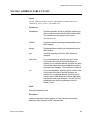
mls qos queue priority
Parameters
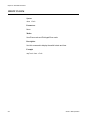
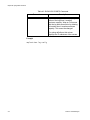
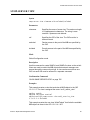
priority
Specifies a Class of Service (CoS) priority level of 0, lowest
priority, to 7, highest priority. You can specify just one
priority level.
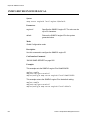
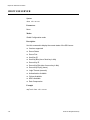
Mode
Port Interface mode
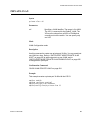
Description
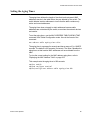
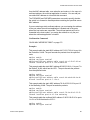
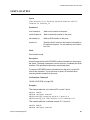
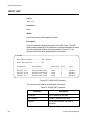
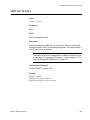
Use this command to configure the default egress queue for any packet
arriving on the port. When no default queue is configured the cos-queue
map is used to choose the queue for packets.
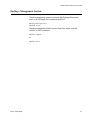
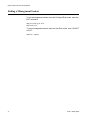
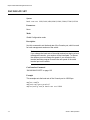
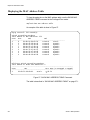
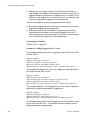
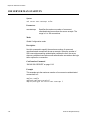
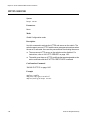
Confirmation Command
“SHOW RUNNING-CONFIG” on page 127
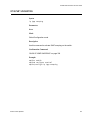
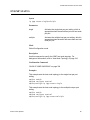
Examples
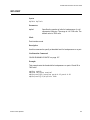
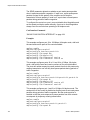
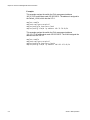
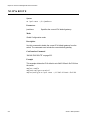
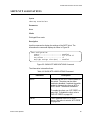
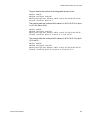
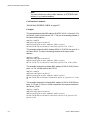
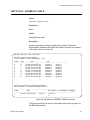
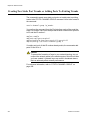
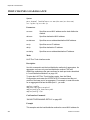
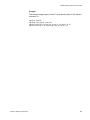
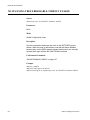
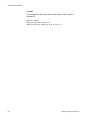
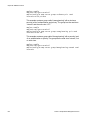
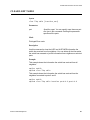
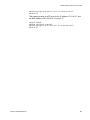
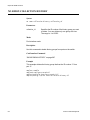
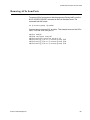
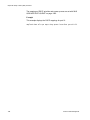
This example assigns queue 7 as the default queue for port 12:
awplus> enable
awplus# configure terminal
awplus(config)# interface port1.0.12
awplus(config-if)# mls qos queue 7
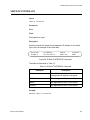
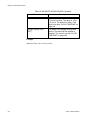
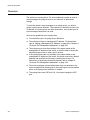
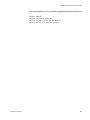
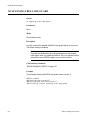
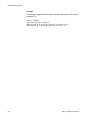
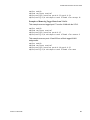
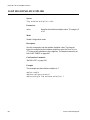
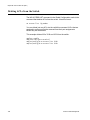
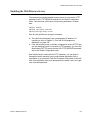
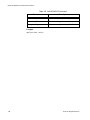
This example removes the default queue from port 16:
awplus> enable
awplus# configure terminal
awplus(config)# interface port1.0.16
awplus(config-if)# no mls qos queue
1046
Section X: Network Management