1
145
Chapter 7
Troubleshooting Device Manager
This chapter describes diagnostic information available in Device Manager on the
following tabs:
•
•
Topology tab (next)
Topology Table tab (page 146)
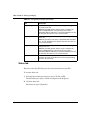
Topology tab
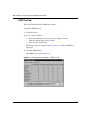
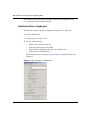
To view topology information:
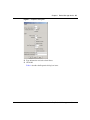
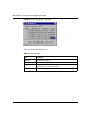
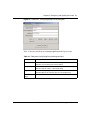
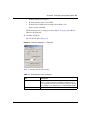
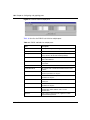
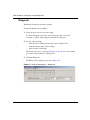
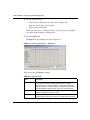
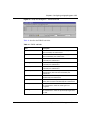
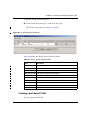
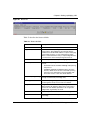
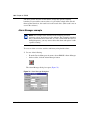
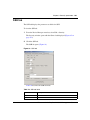
➨ From the Device Manager menu bar, select Edit > Diagnostics.
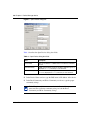
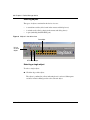
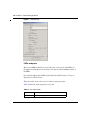
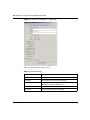
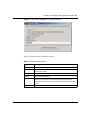
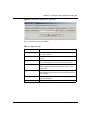
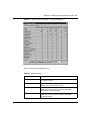
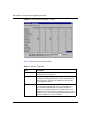
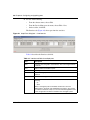
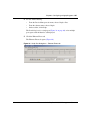
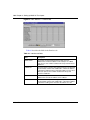
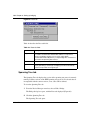
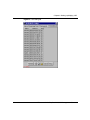
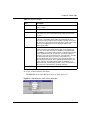
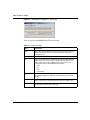
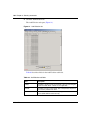
The Diagnostics dialog box opens with the Topology tab displayed
(Figure 67).
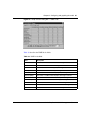
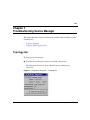
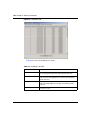
Figure 67 Diagnostics dialog box — Topology tab
Reference for the BayStack 420/425 Management Software