1
xStack DGS-3600 Series Layer 3 Gigabit Ethernet Managed Switch
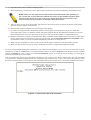
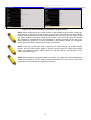
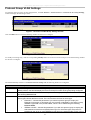
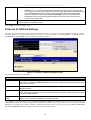
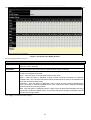
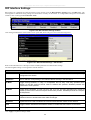
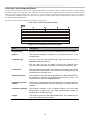
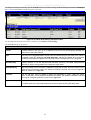
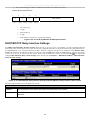
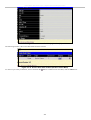
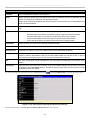
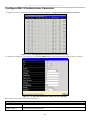
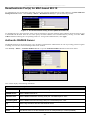
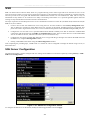
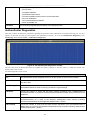
The following window is the CPU Access Rule Table for IPv6.
Figure 10- 39. CPU Access Rule Table window (IPv6)
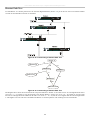
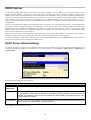
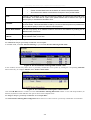
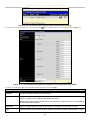
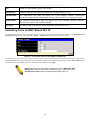
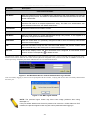
To create a new rule set for an access profile click the Add button. A new window is displayed. To remove a previously created
rule, click the corresponding
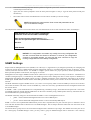
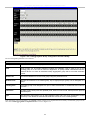
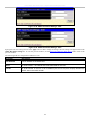
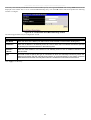
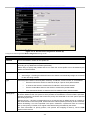
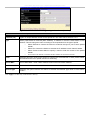
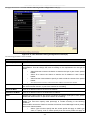
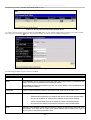
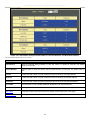
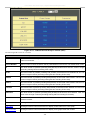
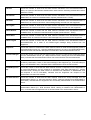
button. The following window is used for the CPU IP Rule configuration.
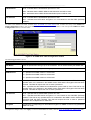
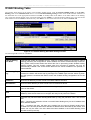
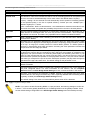
Figure 10- 40. CPU Interface Filtering Rule Configuration window (IPv6)
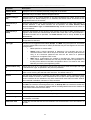
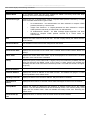
The following parameters may be viewed or modified:
Parameter
Description
Profile ID
This is the identifier number for this profile set.
Mode
Select Permit to specify that the packets that match the access profile are forwarded by the
Switch, according to any additional rule added (see below).
Select Deny to specify that packets that match the access profile are not forwarded by the
Switch and will be filtered.
Access ID
Type in a unique identifier number for this access. This value can be set from 1 to 5.
Type
Selected profile based on Ethernet (MAC Address), IP address, Packet Content or IPv6.
Class
•
Ethernet instructs the Switch to examine the layer 2 part of each packet header.
•
IP instructs the Switch to examine the IP address in each frame's header.
•
Packet Content Mask instructs the Switch to examine the packet header.
•
IPv6 instructs the Switch to examine the IPv6 part of each packet header.
Entering a value between 0 and 255 will instruct the Switch to examine the class field of the
IPv6 header. This class field is a part of the packet header that is similar to the Type of
Service (ToS) or Precedence bits field of IPv4.
244