1
User Guide – Getting Started in Alberta Netcare Portal
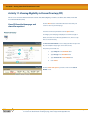
Activity 6: Searching for Specific Results
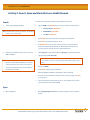
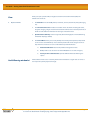
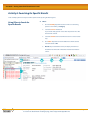
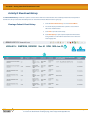
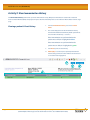
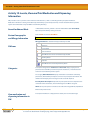
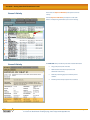
In this example you will see ways to look for specific results by using the filtering tools.
Using Filters to Search for
Specific Results
A.
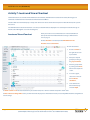
Filters:
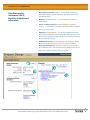
1.
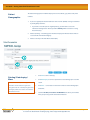
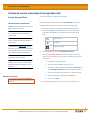
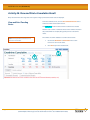
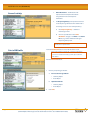
Click the View By dropdown arrow to review a list of viewing
options. Leave View by as Category.
2.
Leave the Look For field blank.
If you use this field; you will notice a filter of possible “hits” until
the lab result is found.
3.
Select the Critical check box to limit the search to critical results
only.
4.
Click Status dropdown to review addition document statuses.
Leave the Status as All.
5.
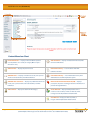
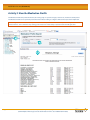
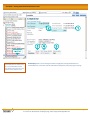
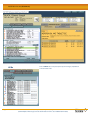
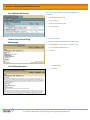
Results: As you select filter criteria, the display in the Clinical
Document Tree will show a limited list of results that meet the
criteria.
By accessing Alberta Netcare Portal you agree to be bound by the Terms of Use and Disclaimer
as noted on the Alberta Netcare Portal login page, and to comply with all applicable laws.
Page 19