1
User Guide – Getting Started in Alberta Netcare Portal
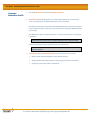
Activity 11: Viewing Eligibility in Person Directory (PD)
PD is the source of truth for: Alberta Health Care Insurance Plan (AHCIP) Eligibility, First Name, Last Name, Date of Birth, Gender and
Personal Health Number (PHN).
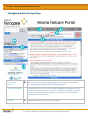
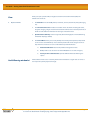
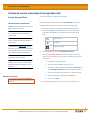
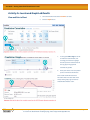
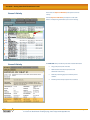
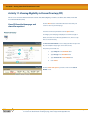
Open PD from the Homepage and
search for a patient
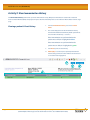
Click the Home button on the Menu Bar at the left side of your
screen to return to your Homepage.
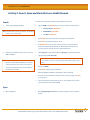
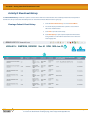
In the Person Directory windowlet click the Open button.
To configure your Homepage to display the Person Directory Open
button, consult the Person Directory Quick Reference, How to Set Up
Access to Person Directory.
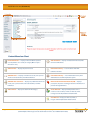
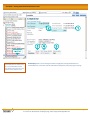
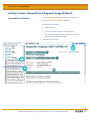
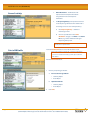
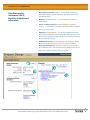
The Person Search Criteria screen is displayed. When ready to exit
PD, click the Quit link (top right corner of the screen).
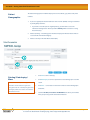
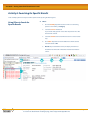
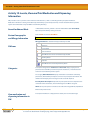
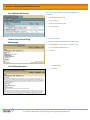
The primary search fields are:
1.
Type Simpson in the Last Name field.
2.
Type George in the First Name field.
3.
Type 1930-Jun-22 in Date of Birth field.
4.
Click Search.
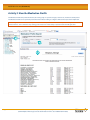
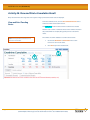
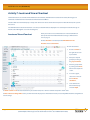
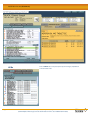
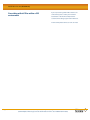
Click the name of the person you want to view on the Search
Results screen.
By accessing Alberta Netcare Portal you agree to be bound by the Terms of Use and Disclaimer
as noted on the Alberta Netcare Portal login page, and to comply with all applicable laws.
Page 29