1
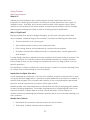
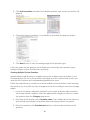
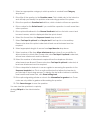
3. Place a check-mark next to Display description on course page check-box to
make it visible on the course home page. The description will display directly
below the activity link and on the Assignment page.
Availability
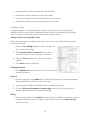
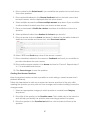
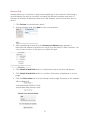
Availability limits when students can submit assignments. If dates are not required, make
sure to remove the checkmarks from the Enable check boxes. Otherwise, follow the
instructions below to add submission dates.
1. Select the submission start date and time from the Allow submission from dropdown lists.
2. Select the assignment due date from Due date drop-down lists.
3. Select the date and time beyond which assignment submissions will not be
accepted from the Cut-off date drop-down lists.
Before the cut-off date, students will be able to make late submissions with a date
stamp.
Submission Types
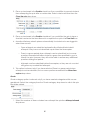
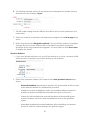
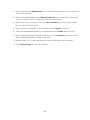
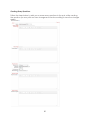
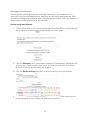
1. Choose the appropriate setting from the Submission settings section to create
one of the following assignment types:
o
Online text allows students to enter assignment text in the text window.
o
File submissions allows each student to upload one or multiple files
dependant on the maximum number of uploaded files set by the teacher
(below).
66