1
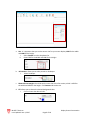
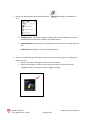
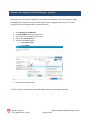
Before you Begin Before you begin to use the Digital Media Manager web application, you need to: • • Request access to manage display screens: a. For new user, go to http://www.mcgill.ca/it/forms/request-display-screen-acct b. For existing user who forgot the username and password and/or would like to change users, contact IT Service Desk at 514-398-3398. Create your display screen content in Microsoft PowerPoint and convert it to an image or SWF file. Create content in Microsoft PowerPoint The display screen standard Microsoft PowerPoint size is 20 x 11.25 inches. To set the size in Microsoft PowerPoint 2013: 1. Click Design tab. 2. Click Slide Size drop down arrow > click Custom Slide Size. 3. The Slide Size window opens, fill out the following information: a. Slides sized for: select Custom. b. Width: enter 20. c. Height: enter 11.25. 4. Click on the OK button. 5. The next step is to create your content in PowerPoint. Note When creating the content in Microsoft PowerPoint, the recommended font size is 16 and up. McGill IT Services Last Updated: June 1, 2015 Page 2 of 18 Before you Begin