1
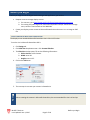
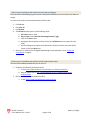
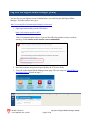
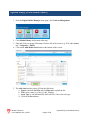
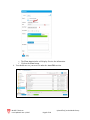
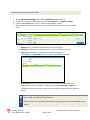
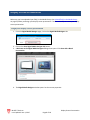
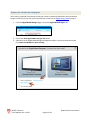
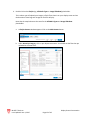
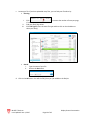
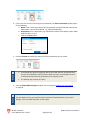
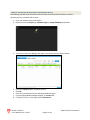
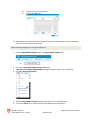
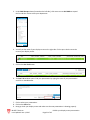
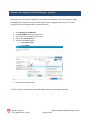
Publish your display screen presentation Note Every time you make changes to your content, you have to: 1. Upload the new file(s) to the Media Library 2. Delete the old file(s), upload new file(s) in your presentation and save it 3. Republish your presentation. 1. Go to the Digital Media Manager page, click Digital Media Manager to go back to the menu page. 2. Click Network and Endpoints. McGill IT Services Last Updated: June 1, 2015 Page 20 of 18 Publish your display screen presentation