1
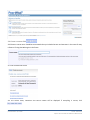
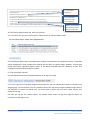
2A. Create a course. Click
.
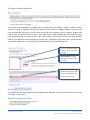
2B. Choose a course name. PeerWise recommends that you include the term and semester in the name for easy
reference if using PeerWise again in the future.
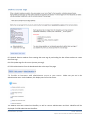
2C. Click Preview new course.
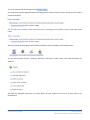
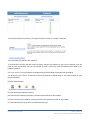
2D. The course name, institution and course creator will be displayed. If everything is correct, click
.
PeerWise User Guide
printed 2013-Nov-13, 3:55 PM
page 2 of n
Created: 2013 Oct-01
Updated: 2013-Oct-82013 Oct-082013 Oct-082013 Oct-08