1
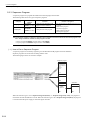
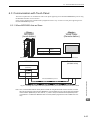
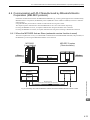
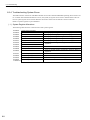
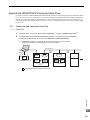
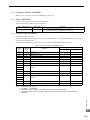
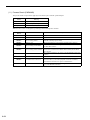
6.3 Communication with Touch Panel
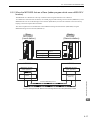
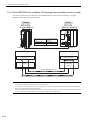
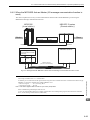
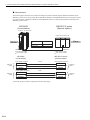
6.3.1 When MP2300S Acts as Slave
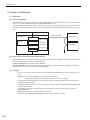
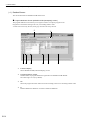
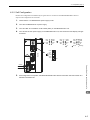
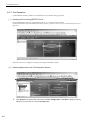
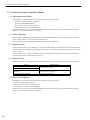
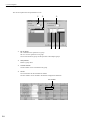
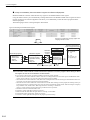
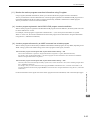
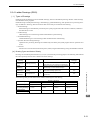
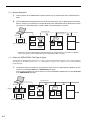
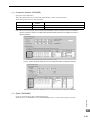
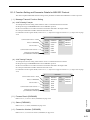
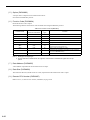
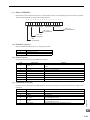
Port Number
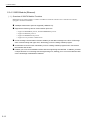
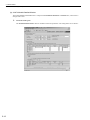
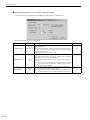
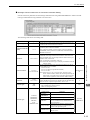
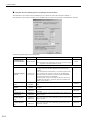
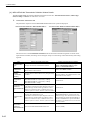
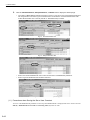
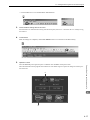
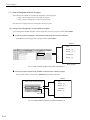
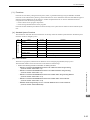
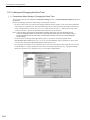
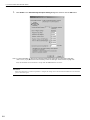
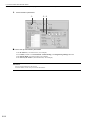
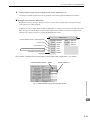
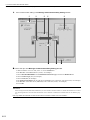
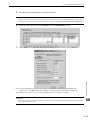
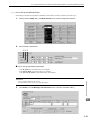
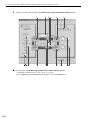
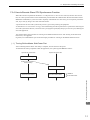
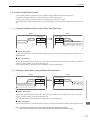
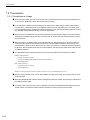
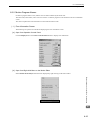
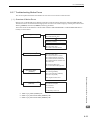
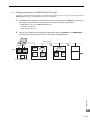
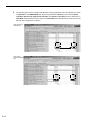
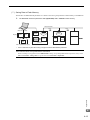
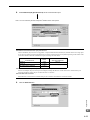
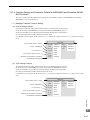
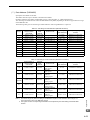
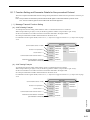
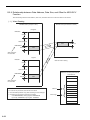
• If you don’t check Automatic Assignment of the port number in the communication setting screen, the automatic assignment
will be disabled, and the GP3000 series port number will be fixed at the setting value.
• If you check Automatic Assignment of the port number in the communication setting screen, automatic assignment will be
enabled, and the GP3000 series port number will be assigned in each case.
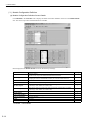
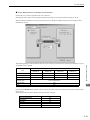
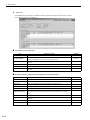
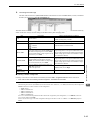
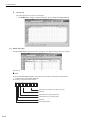
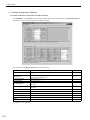
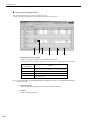
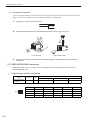
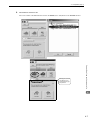
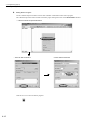
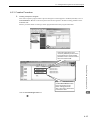
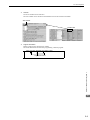
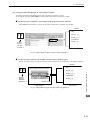
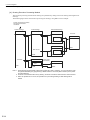
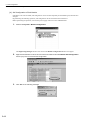
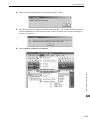
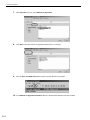
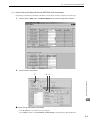
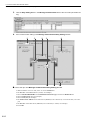
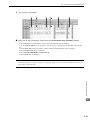
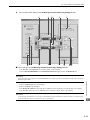
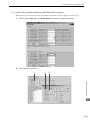
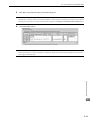
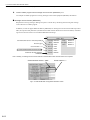
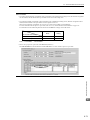
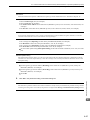
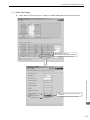
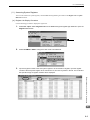
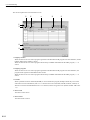
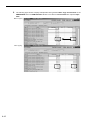
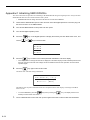
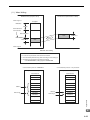
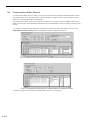
When you use Automatic Assignment, set Unpassive open mode in the 218IFA screen of MPE720.
For more information about Unpassive open mode, refer to 2.2.4 (b) 218IFA Module Detailed Window on page 2-16.
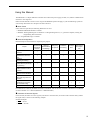
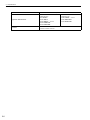
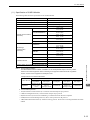
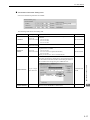
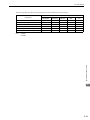
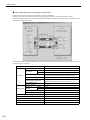
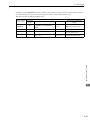
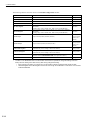
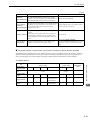
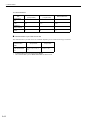
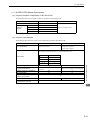
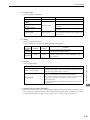
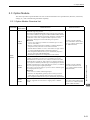
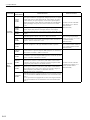
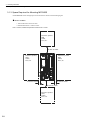
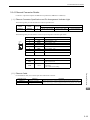
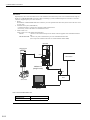
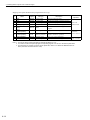
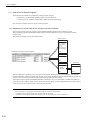
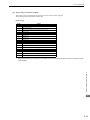
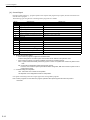
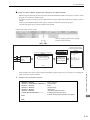
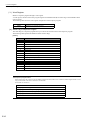
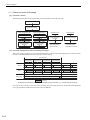
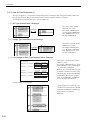
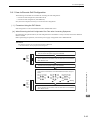
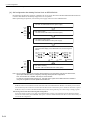
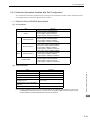
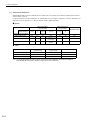
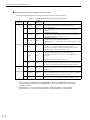
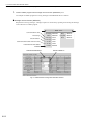
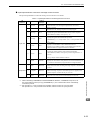
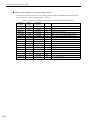
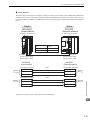
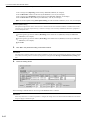
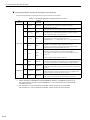
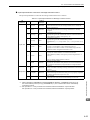
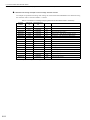
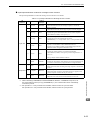
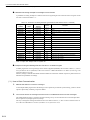
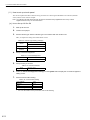
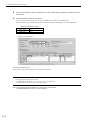
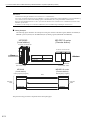
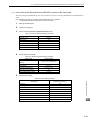
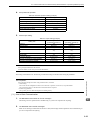
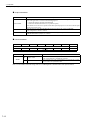
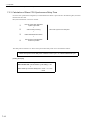
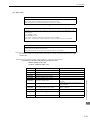
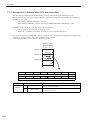
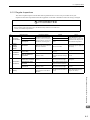
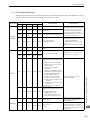
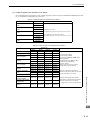
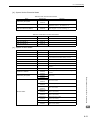
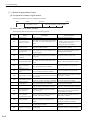
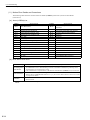
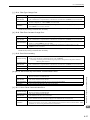
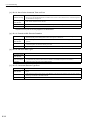
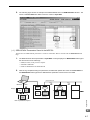
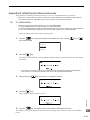
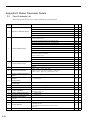
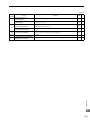
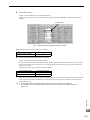
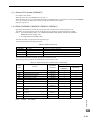
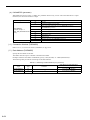
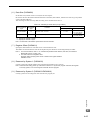
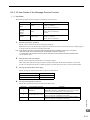
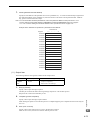
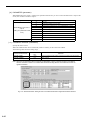
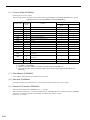
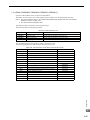
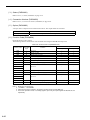
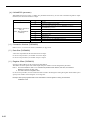
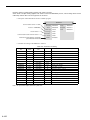
For information on the relationship between GP-Pro EX and MPE720 settings, see the table below.
MPE720 Side Setting
GP-Pro EX Side Setting
Automatic Assignment Enable
Automatic Assignment Disable
Unpassive open
Mode
Fixed Value
Setting
√
–
√
√
Note: √: connectable, – : unconnectable
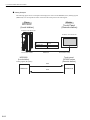
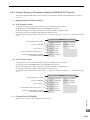
Ethernet Communications
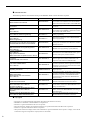
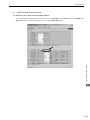
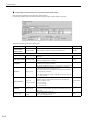
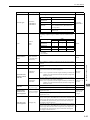
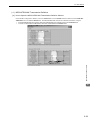
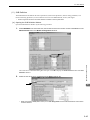
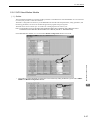
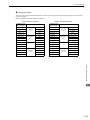
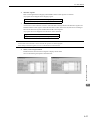
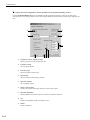
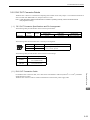
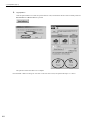
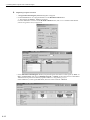
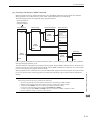
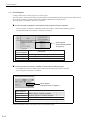
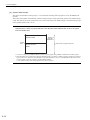
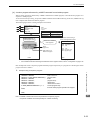
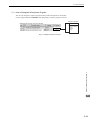
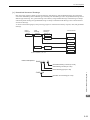
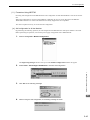
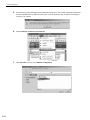
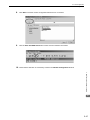
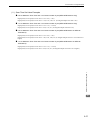
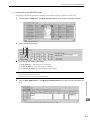
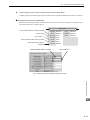
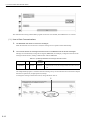
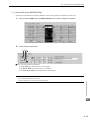
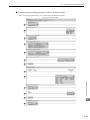
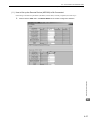
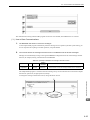
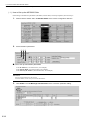
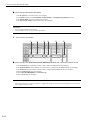
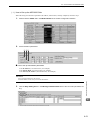
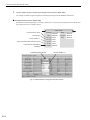
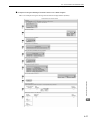
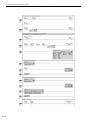
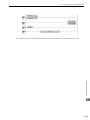
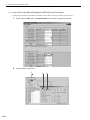
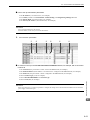
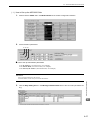
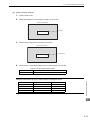
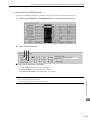
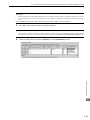
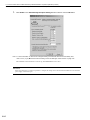
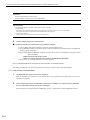
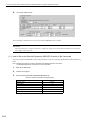
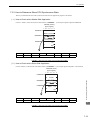
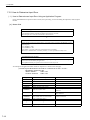
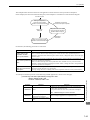
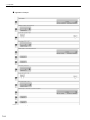
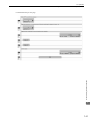
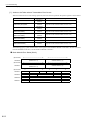
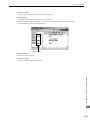
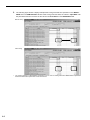
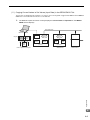
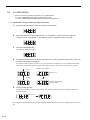
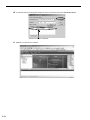
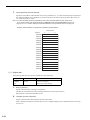
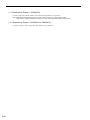
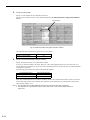
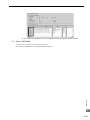
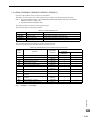
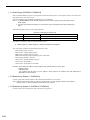
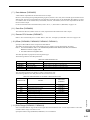
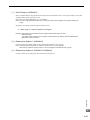
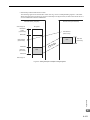
• How to set up Unpassive open mode of the MP2300S (reference)
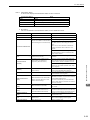
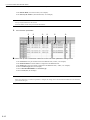
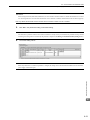
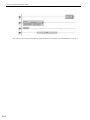
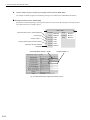
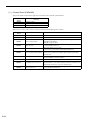
Set Node IP Address to 000.000.000.000 and the Node Port to 0 to enter into the Unpassive open mode.
6
6-71