1
FINAL DRAFT
65 - Tutorials
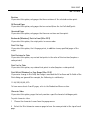
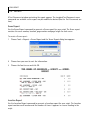
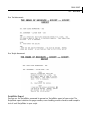
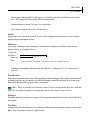
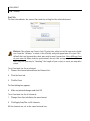
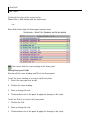
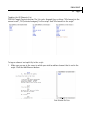
If you intend to keep a “master” script that includes all the revisions the script goes through
then you will want to use the Collated Revisions label. As pages get revised, the placeholder
label will update to display the most recent revision color for a given page. So, for example, if a
page is 1st Revised Blue and then you make changes again to it in Pink revisions, the header
will read “1st Revised Pink” and so on.
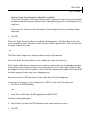
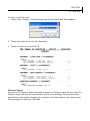
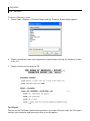
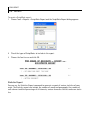
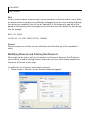
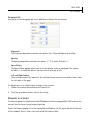
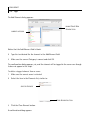
If you need to change the entire script and want to issue a colored draft OR if you intend to
keep a separate draft for each revision color you go through then you can choose to use the
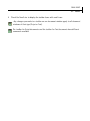
Active Revision label.
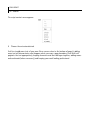
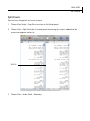
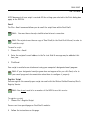
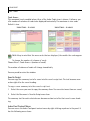
To display either placeholder label in the header:
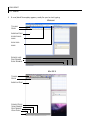
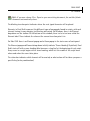
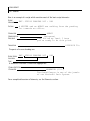
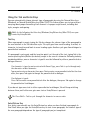
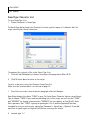
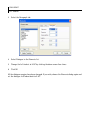
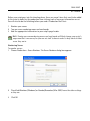
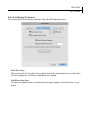
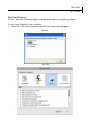
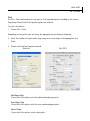
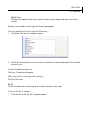
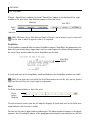
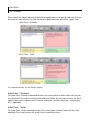
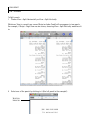
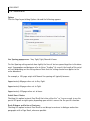
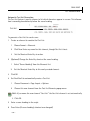
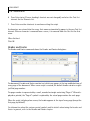
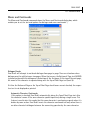
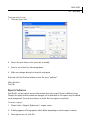
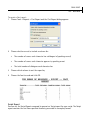
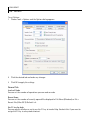
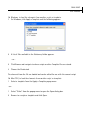
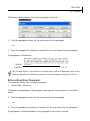
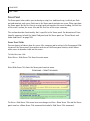
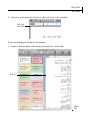
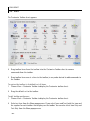
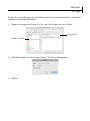
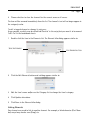
1 Select Document > Header and Footer to open the Header and Footer dialog box:
2
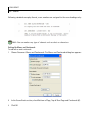
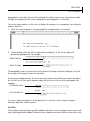
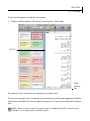
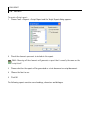
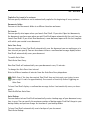
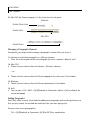
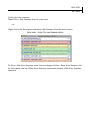
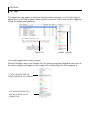
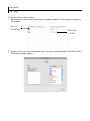
Place your cursor at the appropriate place in the header where you want the label to
appear.