1
FINAL DRAFT
Tutorials
SmartType Character List
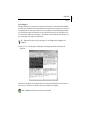
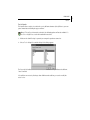
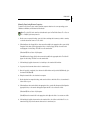
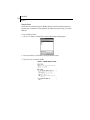
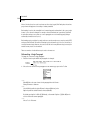
To view SmartType lists:
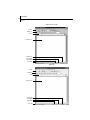
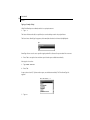
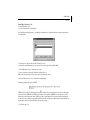
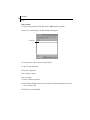
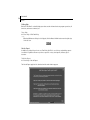
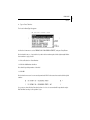
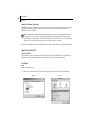
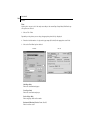
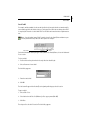
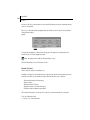
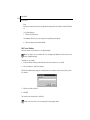
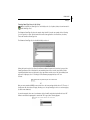
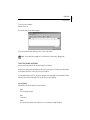
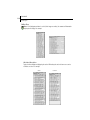
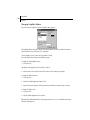
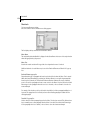
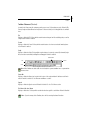
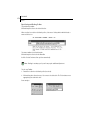
33. Choose Document > SmartType.
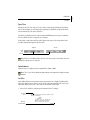
The SmartType dialog defaults to showing the Character list. It indicates that the script currently has
five characters.
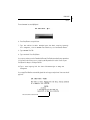
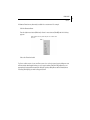
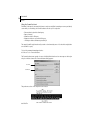
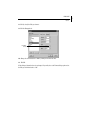
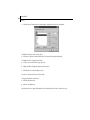
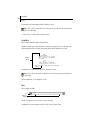
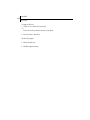
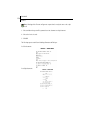
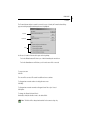
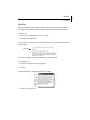
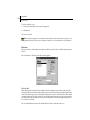
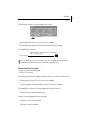
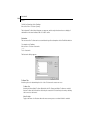
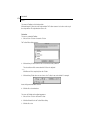
To examine the contents of the other Smart Type lists:
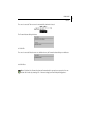
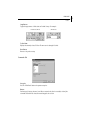
34. Click the tabs (Windows), or choose items from the pop-up menu (Mac OS).
35. Click OK when done to return to the script.
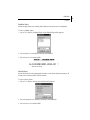
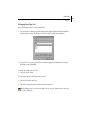
To enter a character using the Character SmartType list:
Make sure the insertion point is at the end of the Out4Life script.
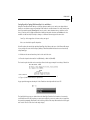
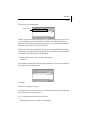
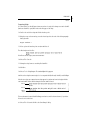
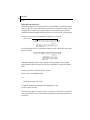
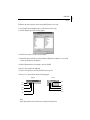
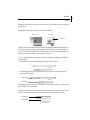
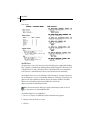
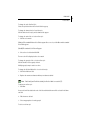
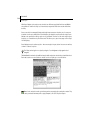
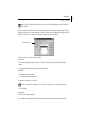
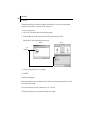
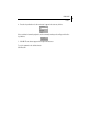
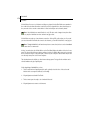
36. Press Tab twice to go to a new Character paragraph.
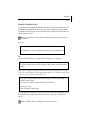
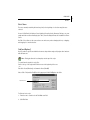
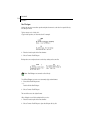
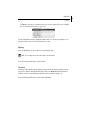
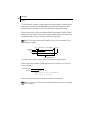
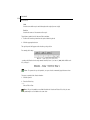
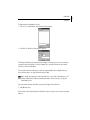
SmartType displays the choice “ANDY”.
“ANDY” is chosen due to SmartType’s Auto-Guess feature. If you read the previous scene in this script,
you will see that “BRYAN” and “ANDY” are having a conversation. “BRYAN” has just spoken, so Final
Draft’s Auto-Guess presumes that “ANDY” is going to speak again. This is another (optional) function,
intended to save you unnecessary typing (see Document > SmartType > Options). If we did want him to
speak again, we’d press Enter/Return to accept the match.
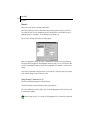
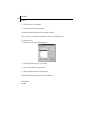
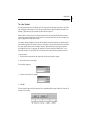
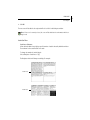
37. Instead, type: B
47