1
System Maintenance
Section 3-10
Note
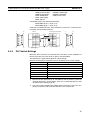
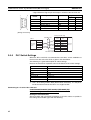
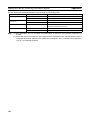
The NT11 uses the same connector for connection to the support tool to the
PLC. If this cable is connected to equipment other than the personal computer
running the support tool, disconnect it from this equipment and connect it to
the support tool before starting the communications check.
3-10-2 PT Setting Check
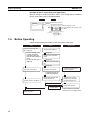
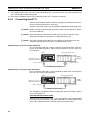
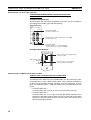
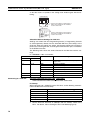
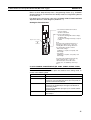
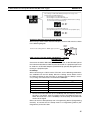
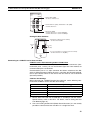
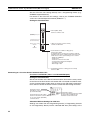
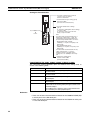
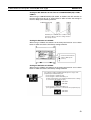
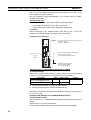
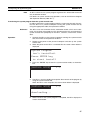
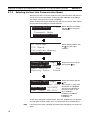
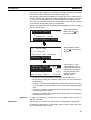
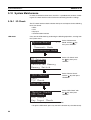
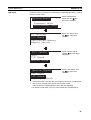
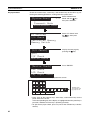
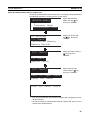
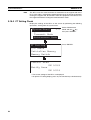
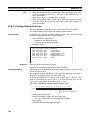
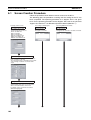
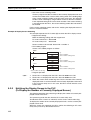
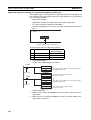
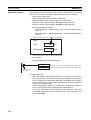
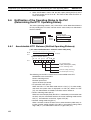
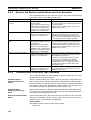
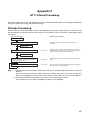
Display the settings of the NT11 on the screen by performing the following
operations, starting from the system menu.
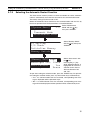
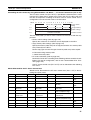
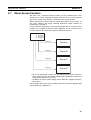
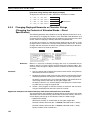
[System Menu]
1.0
Quit
Transmit Mode
Maintenance Mode
PT Setting
I/O Check
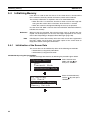
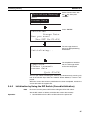
Initialize Memory
Memory Switch
Select “Maintenance
Mode” with the
key,
then press “ENTER”.
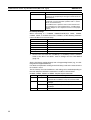
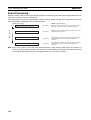
Press “ENTER”.
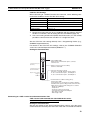
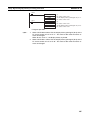
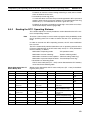
Control Area
DM 00000
Notify Area
DM 00010
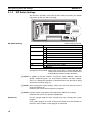
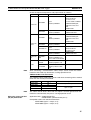
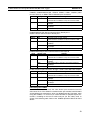
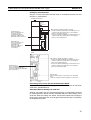
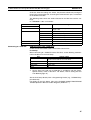
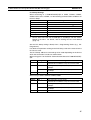
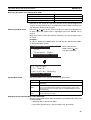
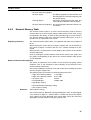
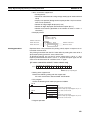
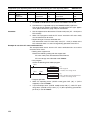
• The current settings of the NT11 are displayed.
• To quit the PT setting display, press any two function keys simultaneously.
84