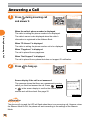
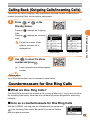
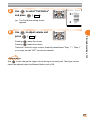
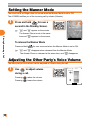
1
5
Address List
XXX/640
△△△@□□□.ne.jp
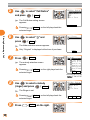
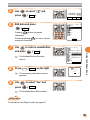
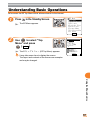
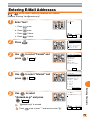
Enter the address and press
( OK ).
The Address List screen returns.
For the method of entering E-Mail addresses, see
Complete Select Group
page 79.
Press
to enter an address from the Address Book, Sent Records, or
Received Records also.
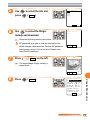
6
Press
(
Complete
Create Mail
△△△@□□□.ne.jp
) on the left.
The Create Mail screen returns.
For the method of entering E-Mail
addresses, see page 79.
Save Select Send
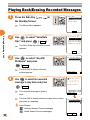
7
Title
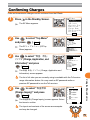
The Title input screen appears.
8
Create Mail
△△△@□□□.ne.jp
Notice about
Enter the title and press
( OK ).
Using Mail Features
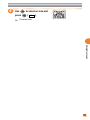
Use
to select " " (title)
( Select ).
and press
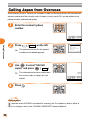
The Create Mail screen returns.
For the method of entering characters, see page 76.
Save Select Send
Continued on the next page
49