1
YT201 - USING YOUR TUNER
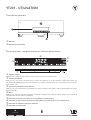
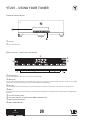
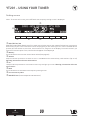
General description
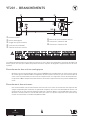
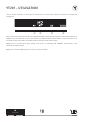
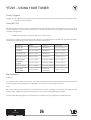
j Display
k Function buttons
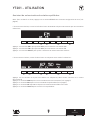
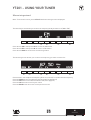
Main screen : stations memories
o
p
q
n
j
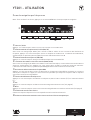
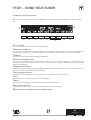
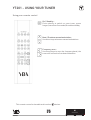
j On/ Stand by
k
l
m
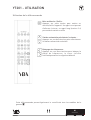
Press this button to switch the tuner on and stand by.
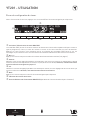
k Memories
Press one of these buttons to acces directly to your five favorite stored radio stations. Frequency or RDS
name o and memory number n of the station appear on the display
l M+ / M-
Press these buttons to browse your memorized station. Use M+ to reach the next one, M- to the previous.
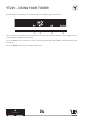
m Menu
Press this button to access frequency setting mode (see page 21 for details) and setup mode (see page 22 for
details)
n Current memory index
o Current frequency or station name (RDS broadcast only)
p Manual search indicator
q Mono mode indicator
20