1
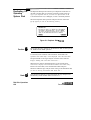
Renaming a File ohe
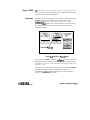
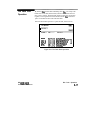
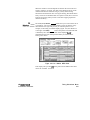
R ename operation allows you to change the name of a file. The
only restriction is that you cannot rename a file to an already existing
filename.
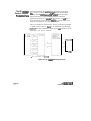
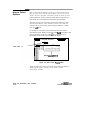
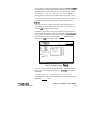
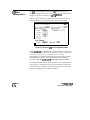
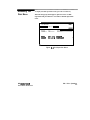
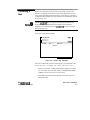
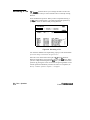
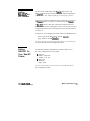
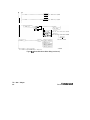
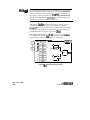
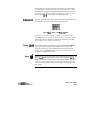
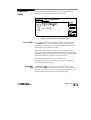
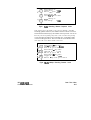
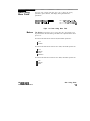
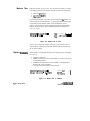
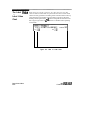
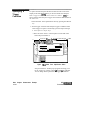
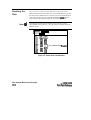
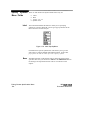
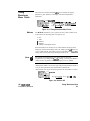
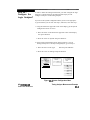
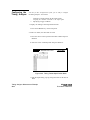
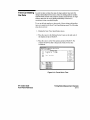
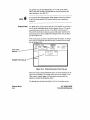
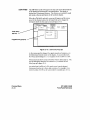
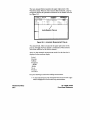
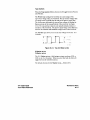
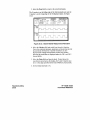
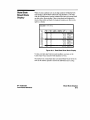
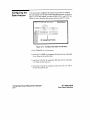
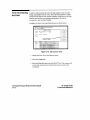
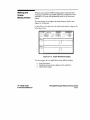
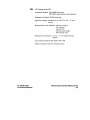
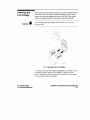
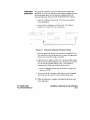
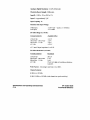
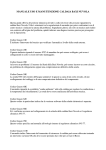
Select the Rename operation. When you have completed entering a
new file name and description, you initiate the Rename operation by
placing the cursor on Execute and pressing SELECT.
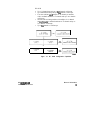
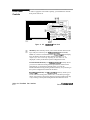
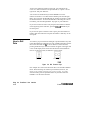
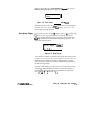
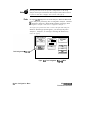
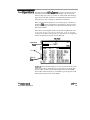
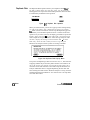
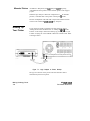
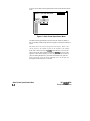
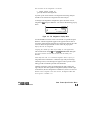
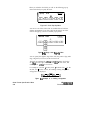
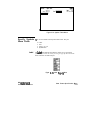
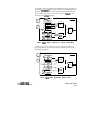
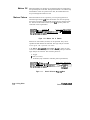
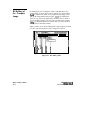
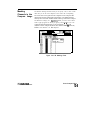
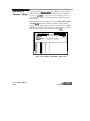
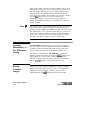
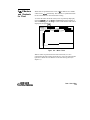
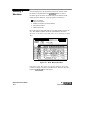
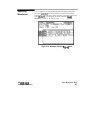
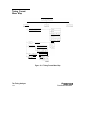
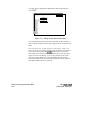
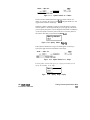
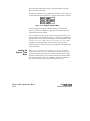
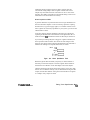
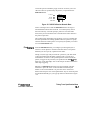
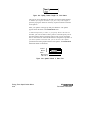
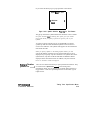
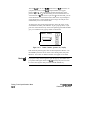
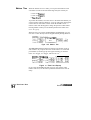
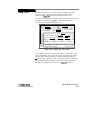
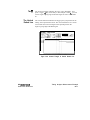
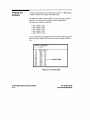
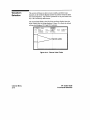
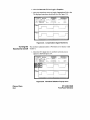
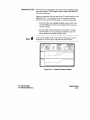
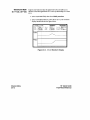
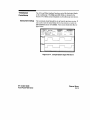
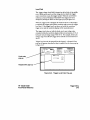
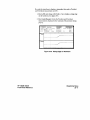
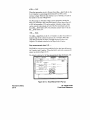
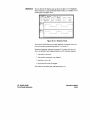
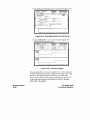
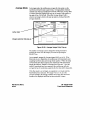
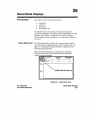
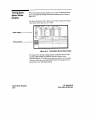
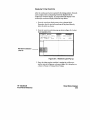
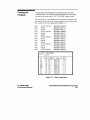
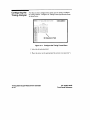
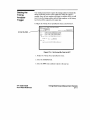
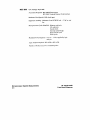
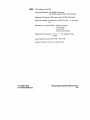
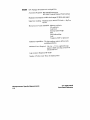
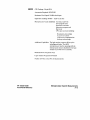
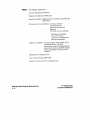
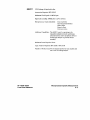
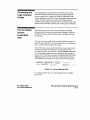
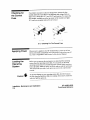
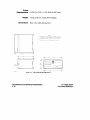
Figure 69. Renaming a File
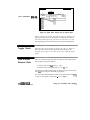
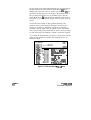
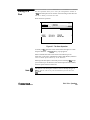
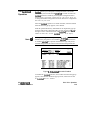
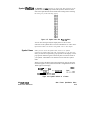
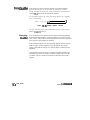
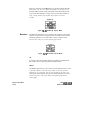
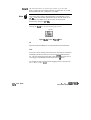
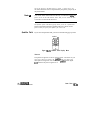
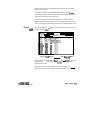
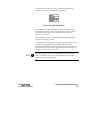
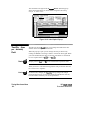
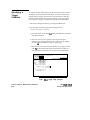
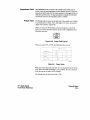
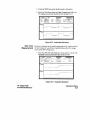
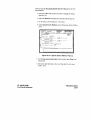
Use either the KNOB or the Alpha Entry pop-up to enter the filename
you wish to change in the field to the right of “file.”
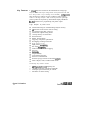
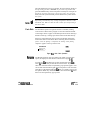
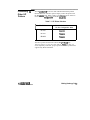
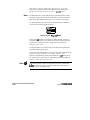
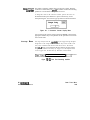
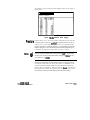
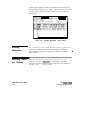
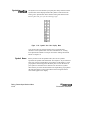
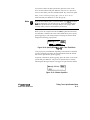
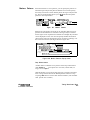
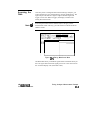
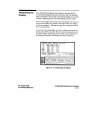
Move the cursor to the field to the right of “to” and press SELECT.
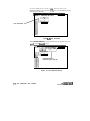
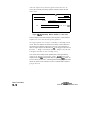
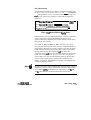
When the Alpha Entry pop-up appears, enter the new file name. When
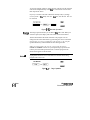
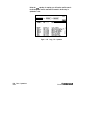
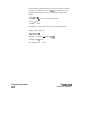
you have completed entering the new tile name, you initiate the rename
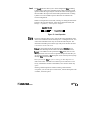
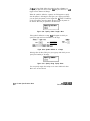
operation by placing the cursor on Execute and pressing SELECT. The
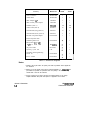
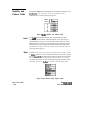
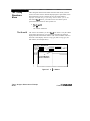
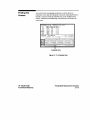
rename operation immediately executes and when it is completed, an
advisory “Rename operation complete” is displayed.
Disk Drive Operations
612
HP 16528/16538
Front-Panel Reference