1
Commands Listed in Alphabetical Order
Related Commands
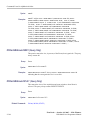
Arguments
Examples
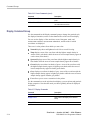
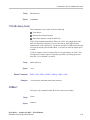
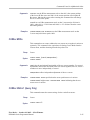
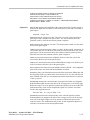
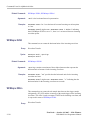
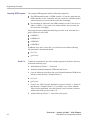
*PUD
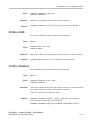
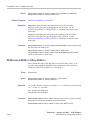
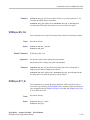
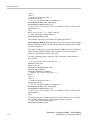
<QString> is the new password, which can contain up to 16 characters.
NEWPASS "mypassword" creates a new password (mypassword) for accessing
your protected data.
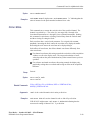
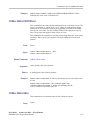
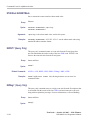
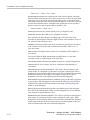
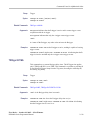
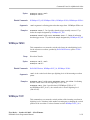
*OPC
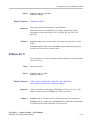
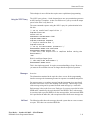
This command generates the operation complete message in the Standard Event
Status Register (SESR) when all pending commands that generate an OPC
message are complete. The *OPC? query places the ASCII character "1" into the
output queue when all such OPC commands are complete. The *OPC? response is
not available to read until all pending operations finish. For a complete discussion
of the use of these registers and the output queue, see Registers and Queues.
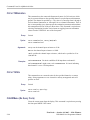
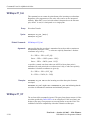
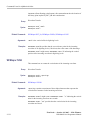
The *OPC command allows you to synchronize the operation of the instrument
with your application program. For more information, see Synchronization
Methods.
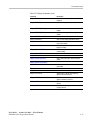
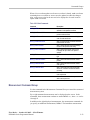
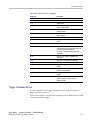
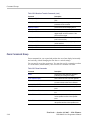
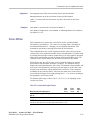
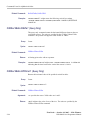
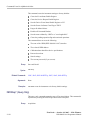
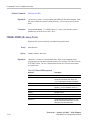
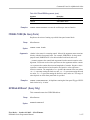
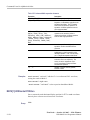
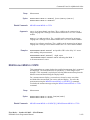
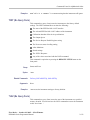
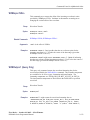
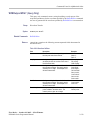
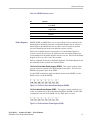
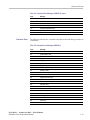
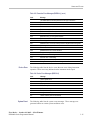
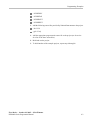
Table 2-36: Commands the Generate an OPC Message
Operation
Command
Single sequence acquisition
ACQuire:STATE ON or
ACQuire:STATE RUN or
ACQuire:STATE 1 (when ACQuire:STOPAfter is set to
SEQuence)
Hard copy operation
HARDCopy START
Calibration step
Refer to the optional Service Manual.
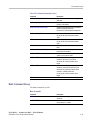
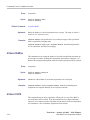
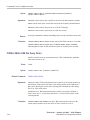
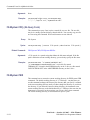
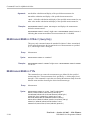
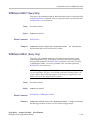
Group
Status and Error
Syntax
*OPC
*OPC?
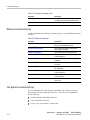
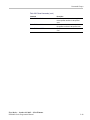
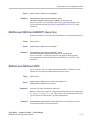
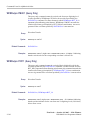
Related Commands
Examples
BUSY?, *WAI
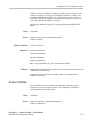
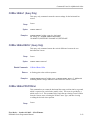
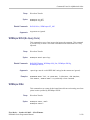
*OPC generates the operation complete message in the SESR at the completion of
all pending OPC operations.
*OPC? might return 1 to indicate that all pending OPC operations are finished.
First Draft — October 18, 2005 — Kirk Wimmer
DPO4000 Series Programmer Manual
2-205