1
5.6 Flow Control • 189
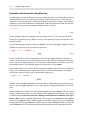
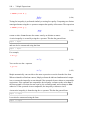
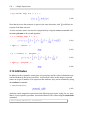
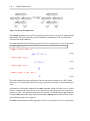
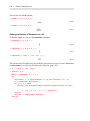
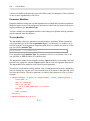
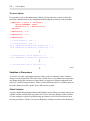
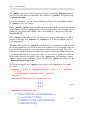
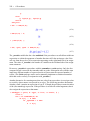
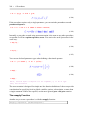
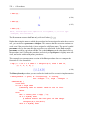
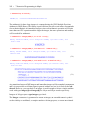
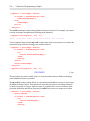
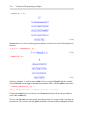
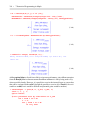
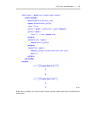
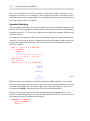
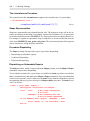
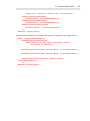
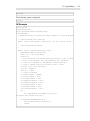
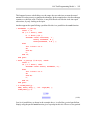
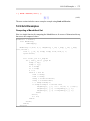
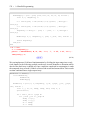
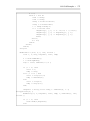
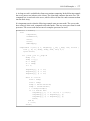
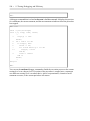
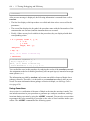
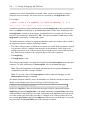
argument is either a sum or a product, the procedure maps itself over the operands of the
expression. Otherwise, the procedure returns unevaluated.
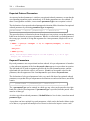
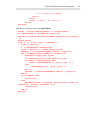
The `if` Command
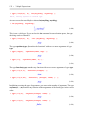
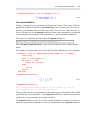
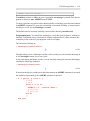
There is an operator form of branching that can be used within an expression. In this form,
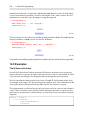
if is always called with three arguments. The if operator has the following syntax:
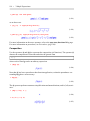
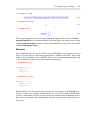
`if`( condition, consequent, alternative )
The first argument condition is a Boolean-valued expression. The second argument consequent is an expression to evaluate if the first argument evaluates to the value true. The
third argument is an expression to evaluate if the first argument evaluates to either false or
FAIL.
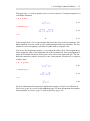
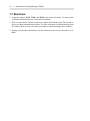
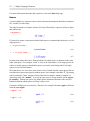
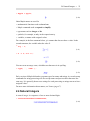
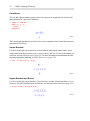
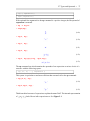
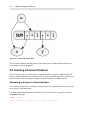
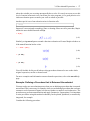
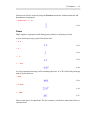
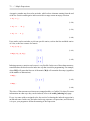
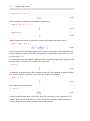
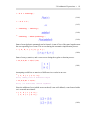
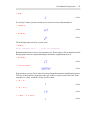
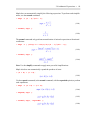
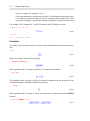
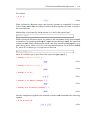
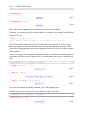
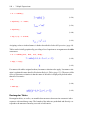
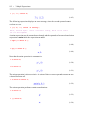
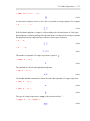
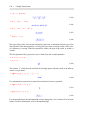
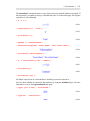
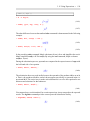
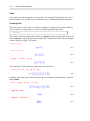
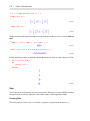
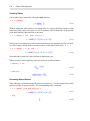
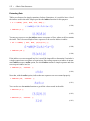
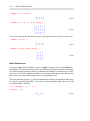
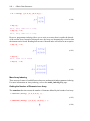
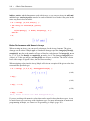
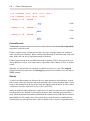
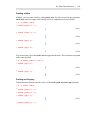
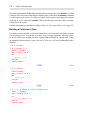
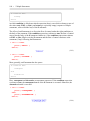
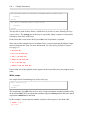
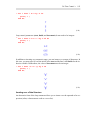
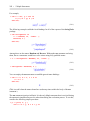
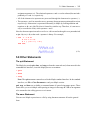
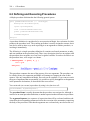
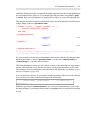
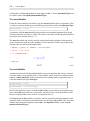
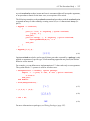
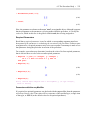
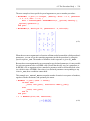
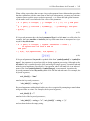
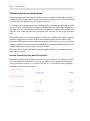
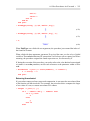
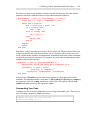
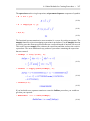
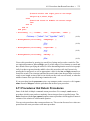
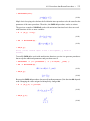
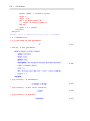
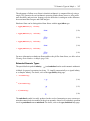
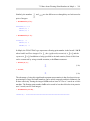
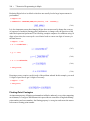
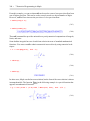
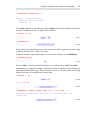
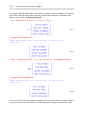
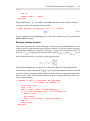
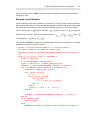
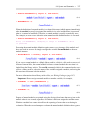
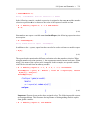
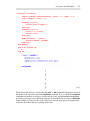
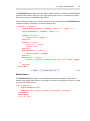
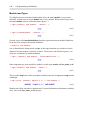
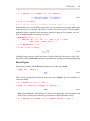
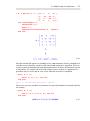
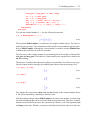
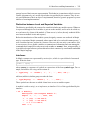
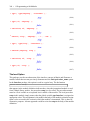
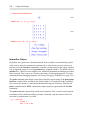
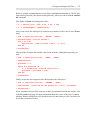
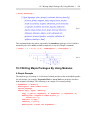
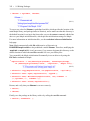
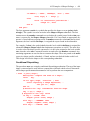
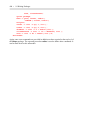
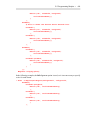
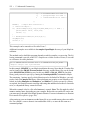
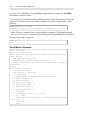
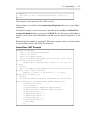
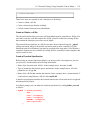
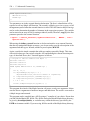
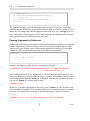
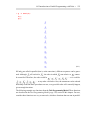
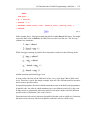
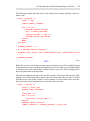
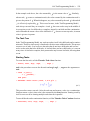
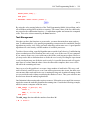
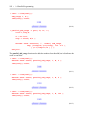
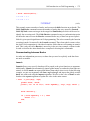
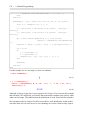
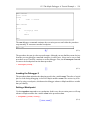
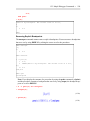
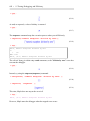
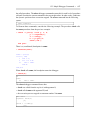
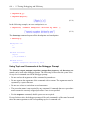
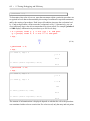
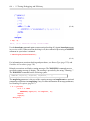
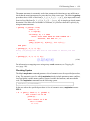
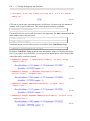
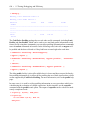
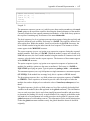
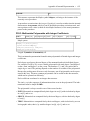
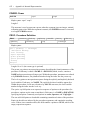
> `if`( 1 < 2, a, b );
(5.33)
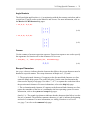
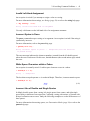
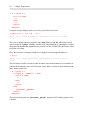
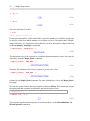
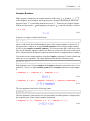
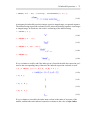
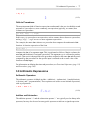
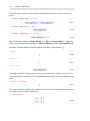
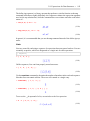
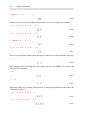
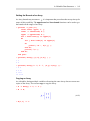
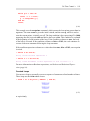
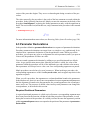
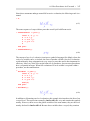
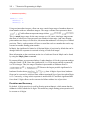
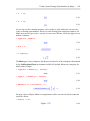
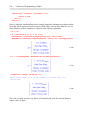
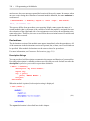
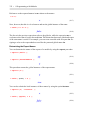
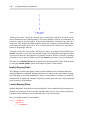
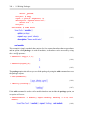
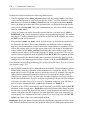
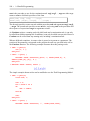
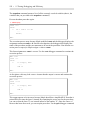
> `if`( 1 > 2, a, b );
(5.34)
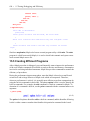
Note that the name if must be enclosed in name (left) quotes in this form.
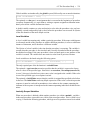
The if command evaluates only one of its second and third arguments, determined based
on the value of the first argument. The other argument is not evaluated.
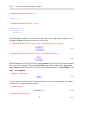
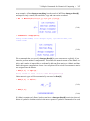
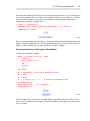
The value of the if command (as opposed to the statement form) is that you can embed it
within a larger expression.
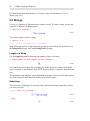
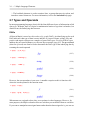
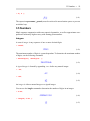
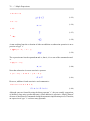
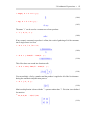
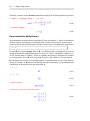
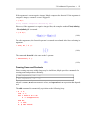
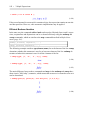
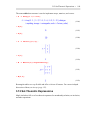
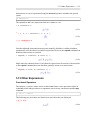
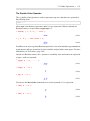
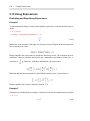
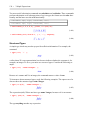
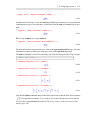
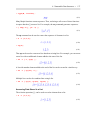
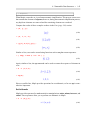
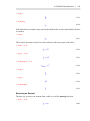
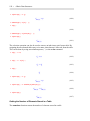
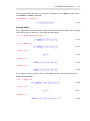
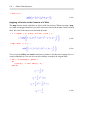
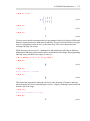
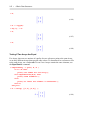
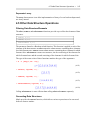
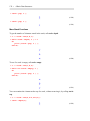
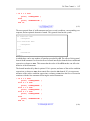
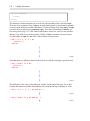
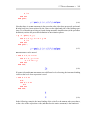
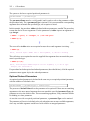
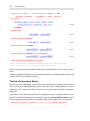
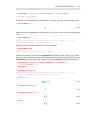
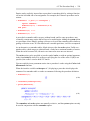
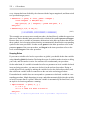
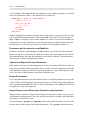
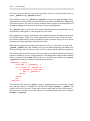
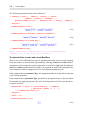
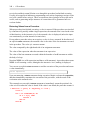
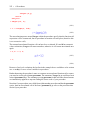
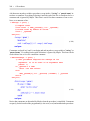
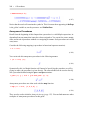
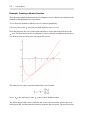
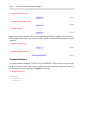
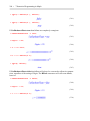
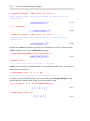
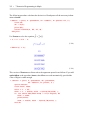
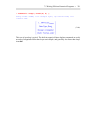
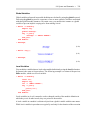
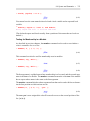
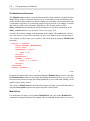
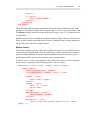
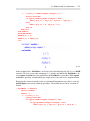
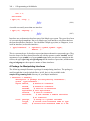
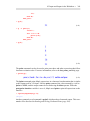
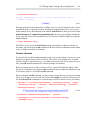
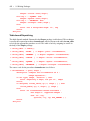
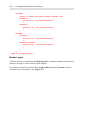
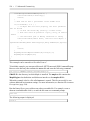
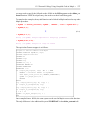
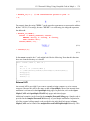
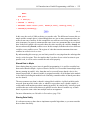
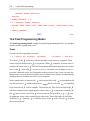
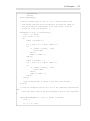
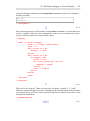
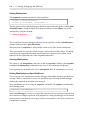
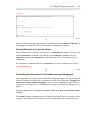
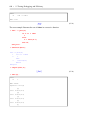
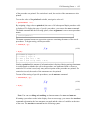
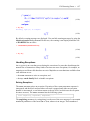
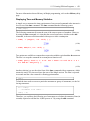
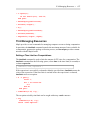
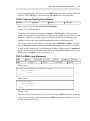
> a := 2/3:
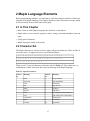
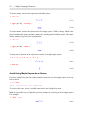
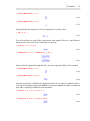
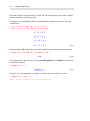
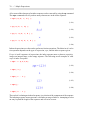
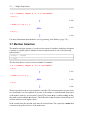
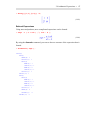
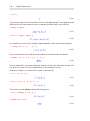
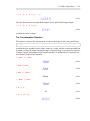
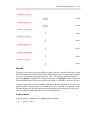
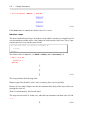
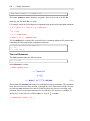
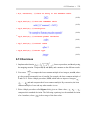
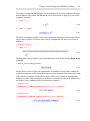
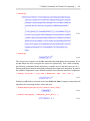
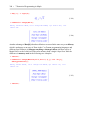
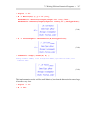
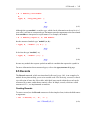
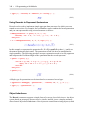
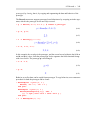
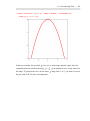
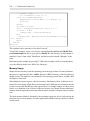
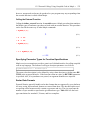
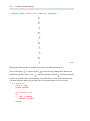
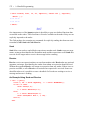
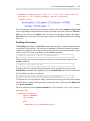
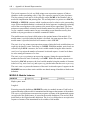
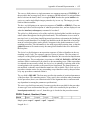
> sin( `if`( a > 0, Pi / 2, -Pi / 2 ) );
(5.35)
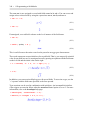
However, the if command is much more limited than the if statement. The consequent and
alternative must be single expressions, and there is nothing corresponding to the elif parts
of the statement form.
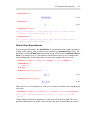
Loops
To cause a statement, or sequence of statements, to be run more than once, use a loop
statement. Maple has a general and flexible loop statement.
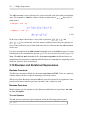
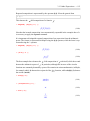
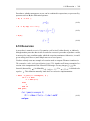
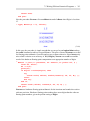
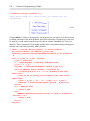
The simplest loop has the form do end do. This loop does not perform any tasks.
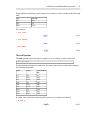
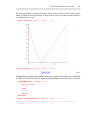
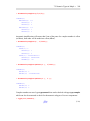
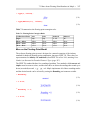
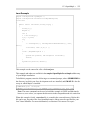
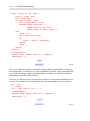
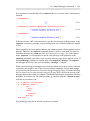
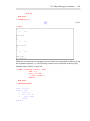
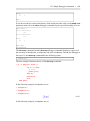
A loop statement has one of the following general forms.