1
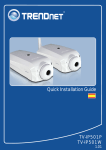
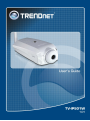
TV-IP501W Internet Camera User Manual
Network ..........................................................................................................................................26
User ................................................................................................................................................27
Upload ............................................................................................................................................27
E-Mail .............................................................................................................................................28
Tools Section ..................................................................................................................................28
FTP Server Test .............................................................................................................................29
E-Mail Test .....................................................................................................................................29
Restart ............................................................................................................................................30
Factory Reset .................................................................................................................................30
Firmware Upgrade ..........................................................................................................................30
Backup and Restore .......................................................................................................................31
Software – IPViewPro 2.0 .......................................................................................................................32
Launching IPViewPro 2.0 for the first time ......................................................................................32
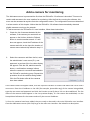
Add a camera for monitoring ...........................................................................................................33
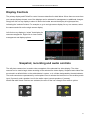
Display Controls..............................................................................................................................35
Snapshot, recording and audio controls ..........................................................................................35
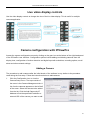
Live video display controls ..............................................................................................................36
Camera configuration with IPViewPro .............................................................................................36
Schedule Recording with IPViewPro 2.0 .........................................................................................38
Motion Detection and Digital Input ..................................................................................................39
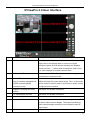
IPViewPro Miscellaneous Options ..................................................................................................40
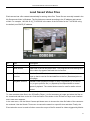
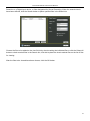
Load Saved Video Files ..................................................................................................................41
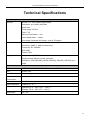
Technical Specifications .........................................................................................................................43
Limited Warranty ....................................................................................................................................46
3