1
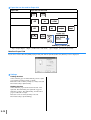
Details of Stapler/Punching
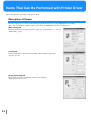
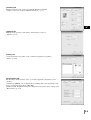
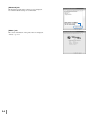
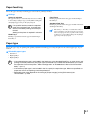
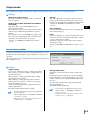
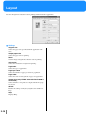
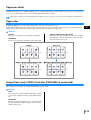
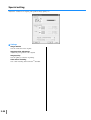
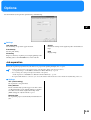
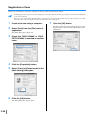
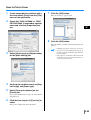
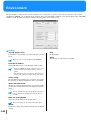
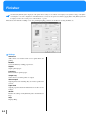
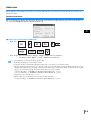
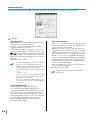
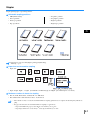
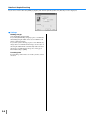
If you select an item other than [OFF] at [Stapler] and click the [Details] button, the [Details] screen is displayed.
# Settings
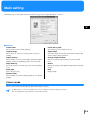
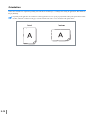
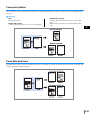
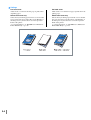
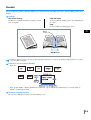
Binding margin
Sets the binding margin width.
If you click [Put binding margin] to place a checkmark,
the binding margin width can be set from 0 mm to 50
mm in 1 mm increments.
If you click [Auto reducing] to place a checkmark, any
image that is not included in the image area because of
the margin width will be automatically reduced so that
the image is included in the image area of the paper.
The initial setting is [OFF].
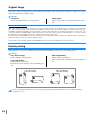
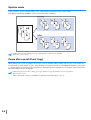
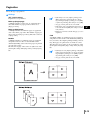
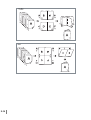
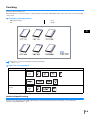
Punching hole
For punching, either 2 holes or 4 holes (3 holes) can be
selected.
3-8