1
Command Groups
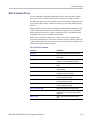
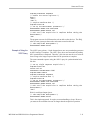
Cursor Command Group
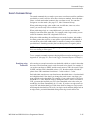
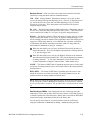
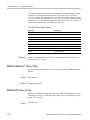
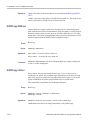
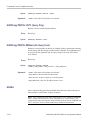
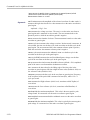
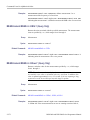
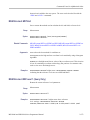
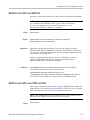
Use the commands in the Cursor Command Group to control the cursor display
and readout. You can use these commands to control the setups for cursor 1 and
cursor 2, such as cursor position.
You can also use the commands to select one of the following cursor functions:
Off. Turns off the display of all cursors.
Waveform Cursors. Consists of two cursors. Waveform cursors enable you to
conveniently measure waveform amplitude and time.
Screen Cursors. Consists of two pairs of independent horizontal and vertical
cursors. You can use these cursors to indicate an arbitrary position within
the waveform display area.
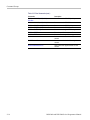
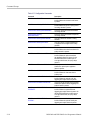
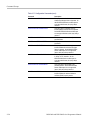
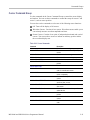
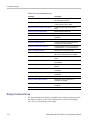
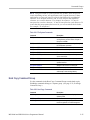
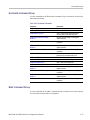
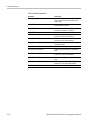
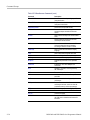
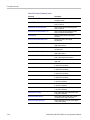
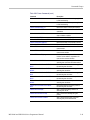
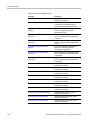
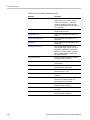
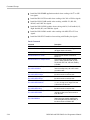
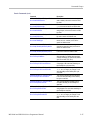
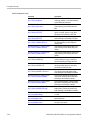
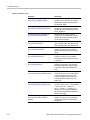
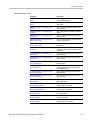
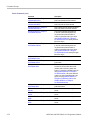
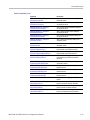
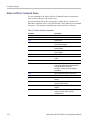
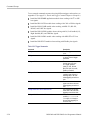
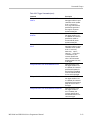
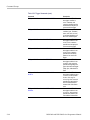
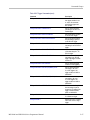
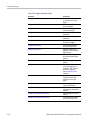
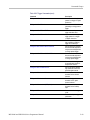
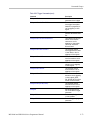
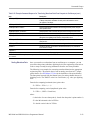
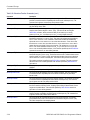
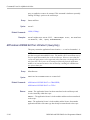
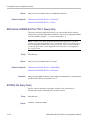
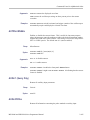
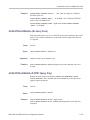
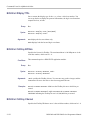
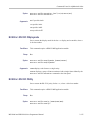
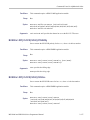
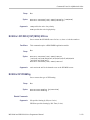
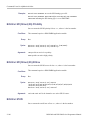
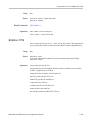
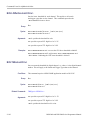
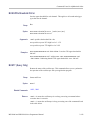
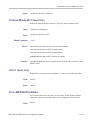
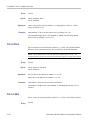
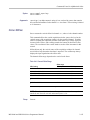
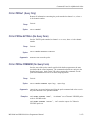
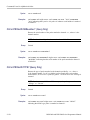
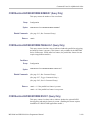
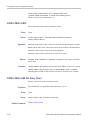
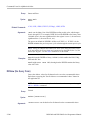
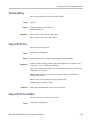
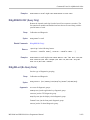
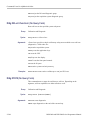
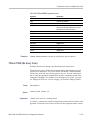
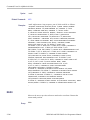
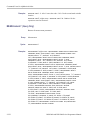
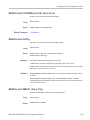
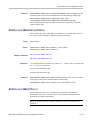
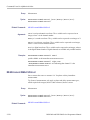
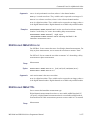
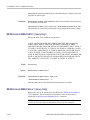
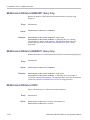
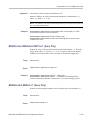
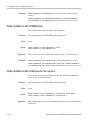
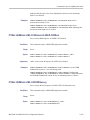
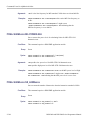
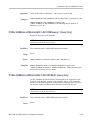
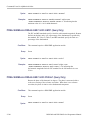
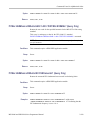
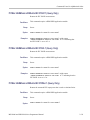
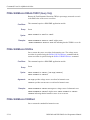
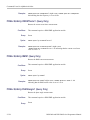
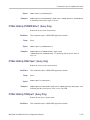
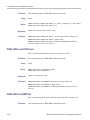
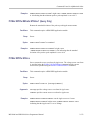
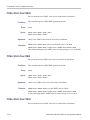
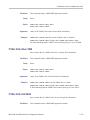
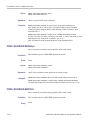
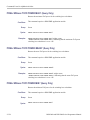
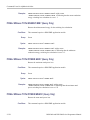
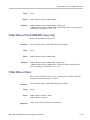
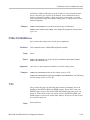
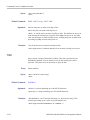
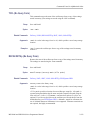
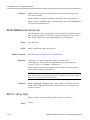
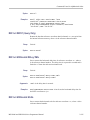
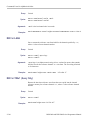
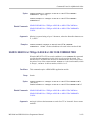
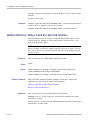
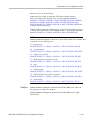
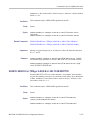
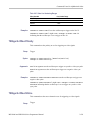
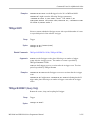
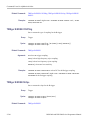
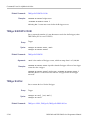
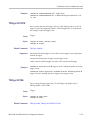
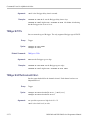
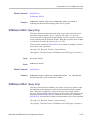
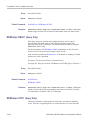
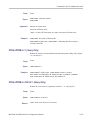
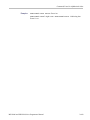
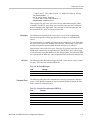
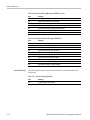
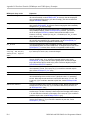
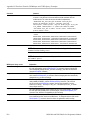
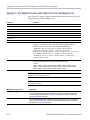
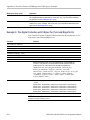
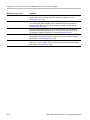
Table 2-18: Cursor Commands
Command
Description
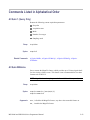
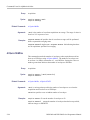
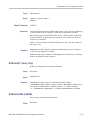
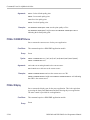
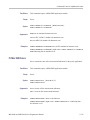
CURSor?
Returns the cursor settings
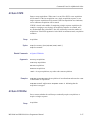
CURSor:DDT?
Returns the cursor deltaY/deltaT (dY/dT)
readout
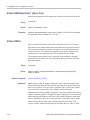
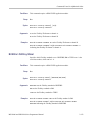
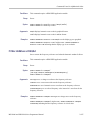
CURSor:FUNCtion
Sets or returns the cursor type
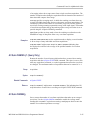
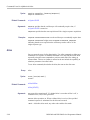
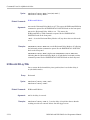
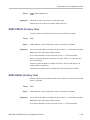
CURSor:HBArs?
Returns the hbar cursor settings
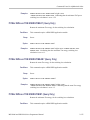
CURSor:HBArs:DELTa?
Returns the hbars cursors vertical difference
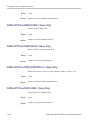
CURSor:HBArs:POSITION<x>
Sets or returns the hbar cursor<x> vertical
position
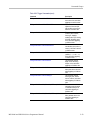
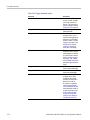
CURSor:HBArs:UNIts
Returns the hbar cursor units
CURSor:HBArs:USE
Sets the horizontal bar cursor measurement
scale, for use with ratio cursors
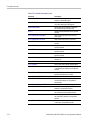
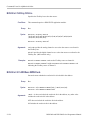
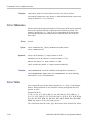
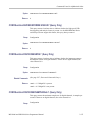
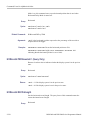
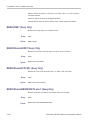
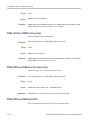
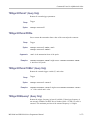
CURSor:MODe
Sets or returns whether cursors move in
unison or separately
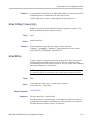
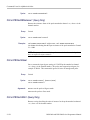
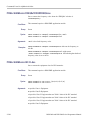
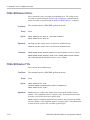
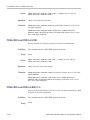
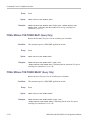
CURSor:VBArs?
Sets or returns the position of vertical bar
cursors
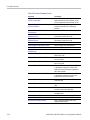
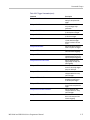
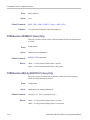
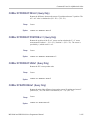
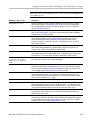
CURSor:VBArs:ALTERNATE<x>?
Returns the alternate readout for the
waveform (Vbar) cursors
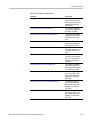
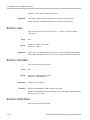
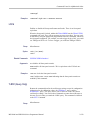
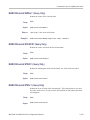
CURSor:VBArs:DELTa?
Returns the horizontal difference between
vbar cursors
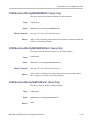
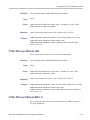
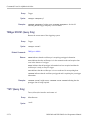
CURSor:VBArs:HPOS<x>?
Returns the vertical value of the specified
vertical bar tick
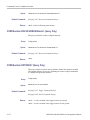
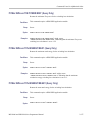
CURSor:VBArs:POSITION<x>
Sets or returns the vbar cursor<x> horizontal
position
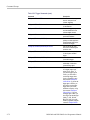
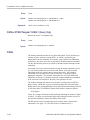
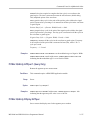
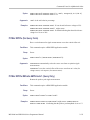
CURSor:VBArs:UNIts
Sets or returns the horizontal units for vbar
cursors
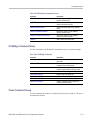
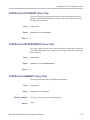
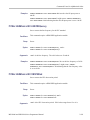
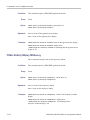
CURSor:VBArs:USE
Sets the vertical bar cursor measurement
scale
MSO3000 and DPO3000 Series Programmer Manual
2-21