1
1
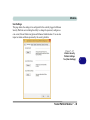
Quick Start Guide
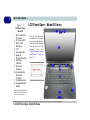
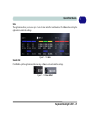
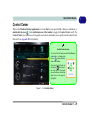
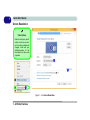
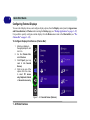
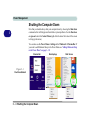
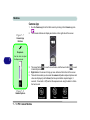
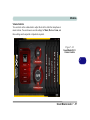
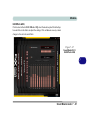
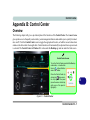
Brightness
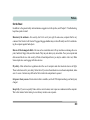
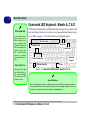
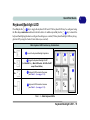
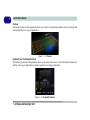
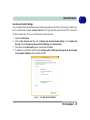
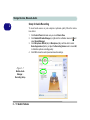
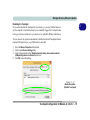
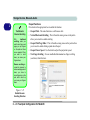
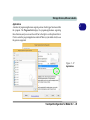
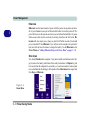
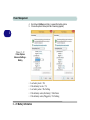
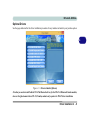
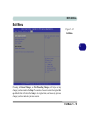
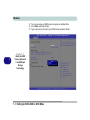
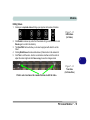
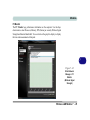
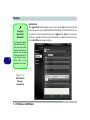
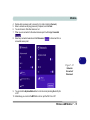
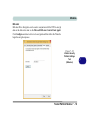
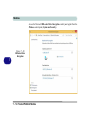
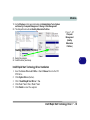
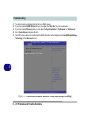
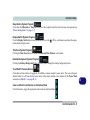
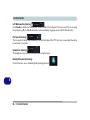
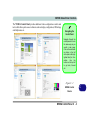
Click on any of the numbers (0 - 3) on the brightness bar to set the brightness level of the keyboard backlight.
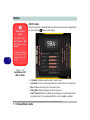
Color Swatch
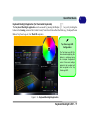
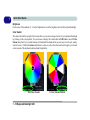
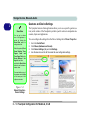
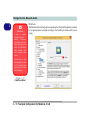
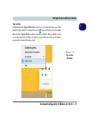
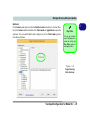
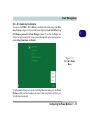
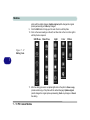
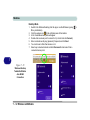
The color swatch in the top right of the screen allows you to select a range of colors for your keyboard backlight
by clicking on the color required. You can choose to display the swatch either in Full Color or as an 8 Color
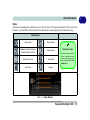
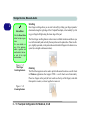
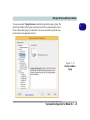
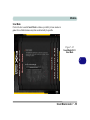
Scheme (note that if your system features an illuminated Touchpad and/or top case logo it can be only configured in 8 colors). Click the Custom mode button to select any colors from the swatch and to apply your chosen
colors to parts of the keyboard (and touchpad if applicable).
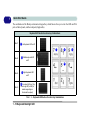
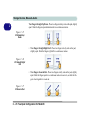
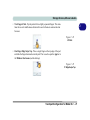
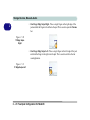
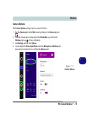
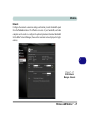
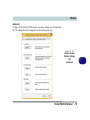
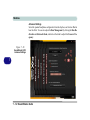
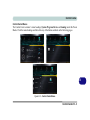
Full Color Swatch
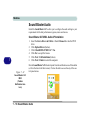
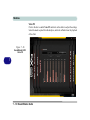
1 - 18 Keyboard Backlight LED
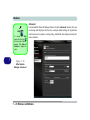
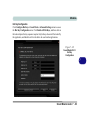
8 Color Scheme Swatch