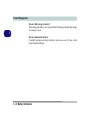
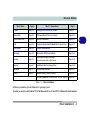
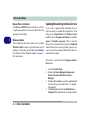
1
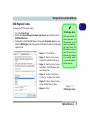
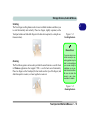
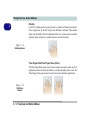
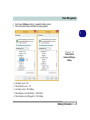
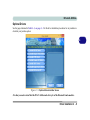
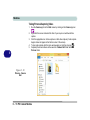
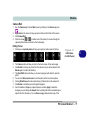
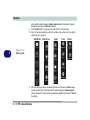
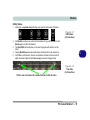
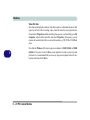
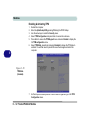
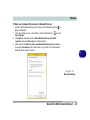
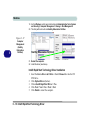
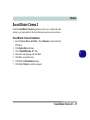
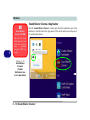
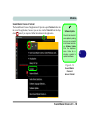
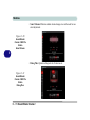
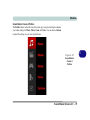
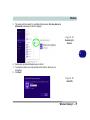
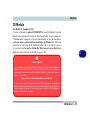
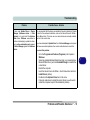
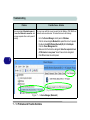
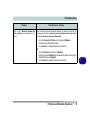
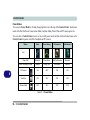
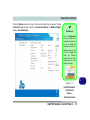
Storage Devices, Audio & Mouse DVD Regional Codes To change the DVD regional codes: 1. 2. 3. Go to the Control Panel Double-click Device Manager (Hardware and Sound), then click the + next to DVD/CD-ROM drives. Double-click on the DVD-ROM device to bring up the Properties dialog box, and select the DVD Region (tab) to bring up the control panel to allow you to adjust the regional code. • Region 1 - USA & Canada • Region 2 - Western Europe, Japan, South Africa, Middle East & Egypt • Region 3 - South-East Asia, Taiwan, South Korea, The Philippines, Indonesia, Hong Kong DVD Region Note DVD region detection is device dependent, not OS-dependent. You can select your module’s region code 5 times. The fifth selection is permanent. This cannot be altered even if you change your operating system or you use the module in another computer. • Region 4 - South & Central America, Mexico, Australia, New Zealand • Region 5 - N Korea, Russia, Eastern Europe, India & Most of Africa • Region 6 - China Figure 2 - 3 DVD Region Codes Optical Device 2 - 5 2