1
Information Services Corporation
Getting Started
Sign-In and Access
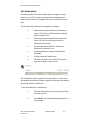
In order to access the Online Submission Tool you must have an
existing LAND Application username, password, client number, and
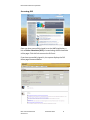
account. The user first signs-in to the LAND Application and then
clicks the Online Submission link to access the OLS tool.
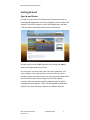
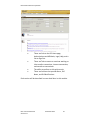
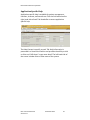
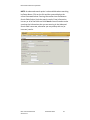
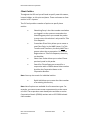
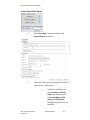
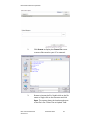
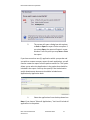
You may sign-in to the LAND Application by clicking the Sign-in
area on the right-hand of the screen.
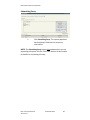
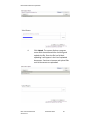
At a minimum, you must enter your user name, password, and
client number. If you only have one account tied to this client
number, you do not need to enter it as the system will know that is
the only account that can be charged. If you have multiple
accounts, enter the account number and password you will be
charging your work against. These may be changed on individual
packets if you wish to charge a packet to a different account.
OLS: Common Elements
Version 3.0
December 2012
7