1
LATCP
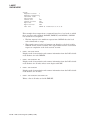
SET NODE
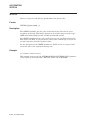
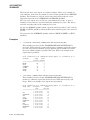
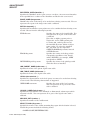
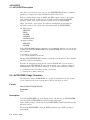
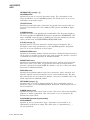
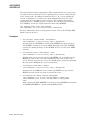
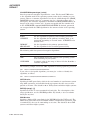
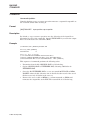
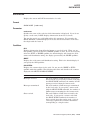
/UNIT_NUMBER_MAXIMUM=value
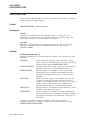
Specifies the maximum unit number for a LAT device. For example, if you specify
140, then LTA140: will be the device with the highest unit number. Specify
a value that is high enough to accommodate all devices that may be in use
simultaneously. When the number of devices in use exceeds the value you specify,
the system gives certain LAT devices unit numbers that exceed your maximum.
Also note the following points:
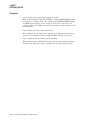
•
When LATCP reaches the maximum unit number, it will continue to implicitly
create LTA devices beginning with the lowest available unit number.
•
You cannot use the System Generation utility (SYSGEN) to set the maximum
unit number for a LAT device.
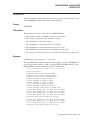
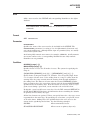
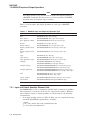
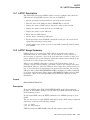
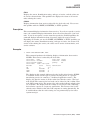
The range of maximum unit numbers is 99 to 9999. The default is 9999. Note
that each time you specify the /UNIT_NUMBER_MAXIMUM qualifier, the LTA
device seed value is reset to approximately half of the newly specified maximum
unit number.
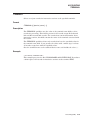
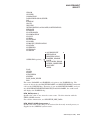
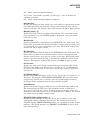
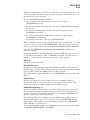
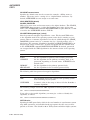
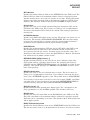
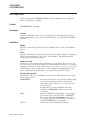
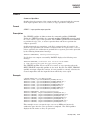
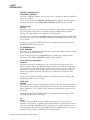
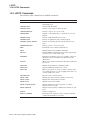
/USER_GROUPS=option[,...]
Restricts access (from the local node) to service nodes in the network that belong
to the specified groups. Your local node can access only those service nodes
associated with the user groups specified. The /USER_GROUPS qualifier also
serves to limit the number of nodes stored in your node’s node database. (The
local node only stores information about the nodes and services that belong to at
least one of the specified user groups.) By default, all LAT service nodes belong to
group 0.
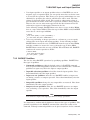
This qualifier affects your local node when outgoing connections are enabled
(/CONNECTIONS=OUTGOING_ONLY or /CONNECTIONS=BOTH).
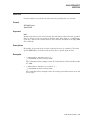
Use the SHOW NODE command for a list of the user groups (service groups)
enabled for your node.
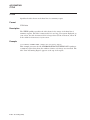
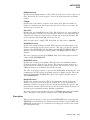
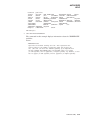
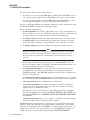
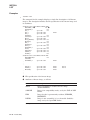
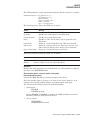
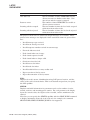
The /USER_GROUPS qualifier has several options. For each option described
here, you can use two ways to specify more than one group:
•
List them separated by commas.
•
Specify a range.
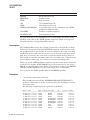
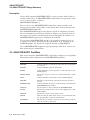
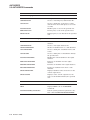
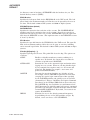
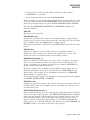
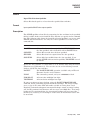
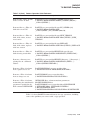
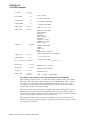
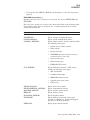
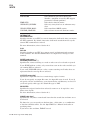
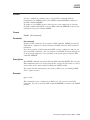
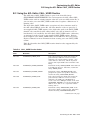
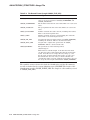
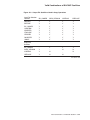
The available options are as follows:
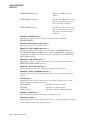
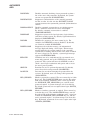
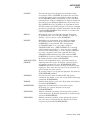
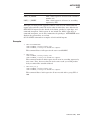
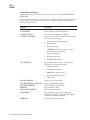
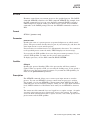
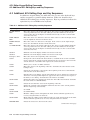
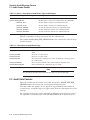
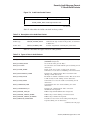
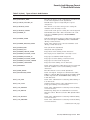
ENABLE=group-code[,...]
DISABLE=group-code[,...]
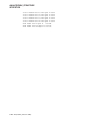
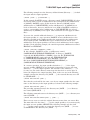
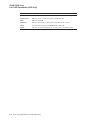
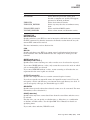
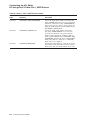
ENABLE=group-code[,...],
DISABLE=group-code[,...]
14–40 LAT Control Program (LATCP) Utility
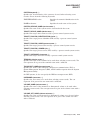
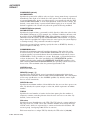
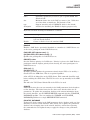
Gives your node access to the listed user groups.
Prevents your node from accessing the listed
groups. The listed groups were enabled
previously.
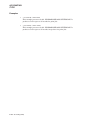
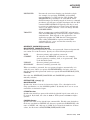
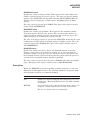
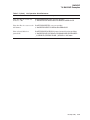
This option lets you enable certain groups and
disable other groups in one command line:
gives your node access to the groups listed
with the ENABLE option and prevents your
node from accessing the groups listed with
the DISABLE option. Enclose both ENABLE
and DISABLE in parentheses; for example,
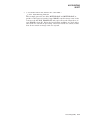
/GROUP=(ENABLE=(10,12),
DISABLE=(1-30)).