1
Introduction
4
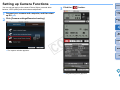
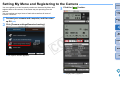
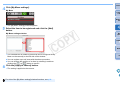
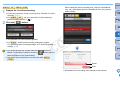
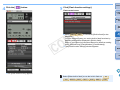
Click [My Menu settings].
My Menu
Contents at
a Glance
1
2
3
4
Downloading
Images
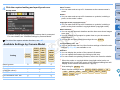
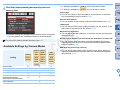
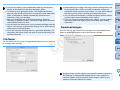
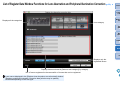
¿ The [My Menu settings] window appears.
Camera
Settings
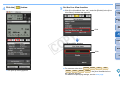
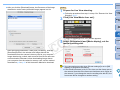
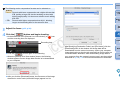
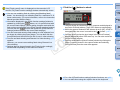
the item to be registered and click the [Add]
5 Select
button.
My Menu settings window
C
¿ The selected item is added to [Items that can be configured in My
Menu on the camera] on the left side of the window.
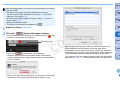
O You can register up to six items with the above procedure.
O You can change the position of an item by selecting it and then
clicking the [
] or [
] button to move it.
Y
P
O
Remote
Shooting
Preferences
Reference
Index
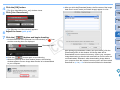
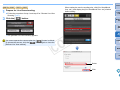
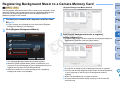
6 Click the [Apply to camera] button.
¿ The setting is applied to the camera.
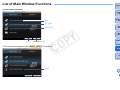
For a list of the [My Menu settings] window functions, see p.86.
25