1
Epson AcuLaser MX21/MX20 Series
User's Guide
Chapter 6
Faxing (DNF Model Only)
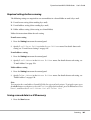
Making Settings before Using Fax Function
Confirming settings
Before receiving or sending a fax, make sure that the appropriate settings for your fax are specified.
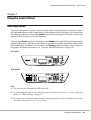
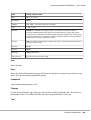
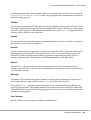
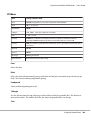
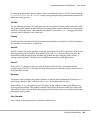
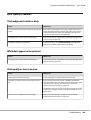
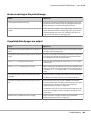
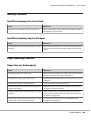
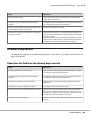
Press the Setting button on the control panel and check the settings in the Fax Settings menu.
Making transferring settings of received faxes
You can send received data to the following destinations:
❏ To a shared folder specified from the printer
❏ To an e-mail address specified from the printer
The following settings are required to send data to a shared folder:
❏ Received fax destination settings
❏ Folder address settings
The following settings are required to send data to an e-mail address:
❏ Received fax destination settings
❏ E-mail server settings
❏ E-mail address settings
Follow the instructions below for each setting.
Received fax destination setting
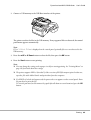
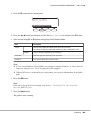
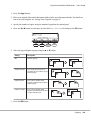
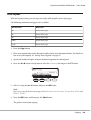
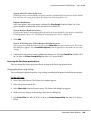
1. Press the Setting button on the control panel.
Faxing (DNF Model Only)
121