1
AcuLaser M4000 Series
User's Guide
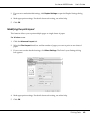
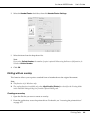
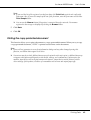
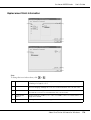
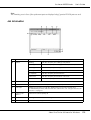
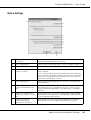
3. If you want to make detailed settings, click Duplex Settings to open the Duplex Settings dialog
box.
4. Make appropriate settings. For details about each setting, see online help.
5. Click OK.
Modifying the print layout
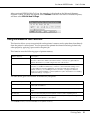
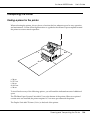
This function allows you to print multiple pages on single sheets of paper.
For Windows users
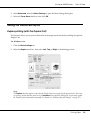
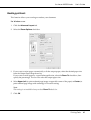
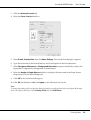
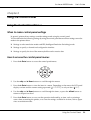
1. Click the Advanced Layout tab.
2. Select the Print Layout check box and the number of pages you want to print on one sheet of
paper.
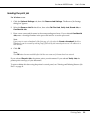
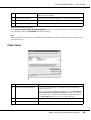
3. If you want to make detailed settings, click More Settings. The Print Layout Settings dialog
box appears.
4. Make appropriate settings. For details about each setting, see online help.
5. Click OK.
Printing Tasks
40