1
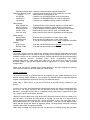
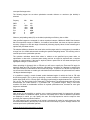
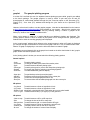
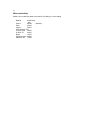
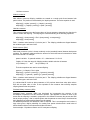
F12 Optimize or Sweep variables
Ctrl+O Open (new) input file
Ctrl+S Save output file (as)
Ctrl+Z
Exit program (also ESC may be used)
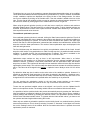
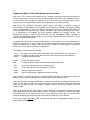
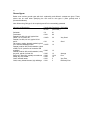
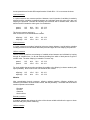
Some entry points to other Help information:
Nec-2/4 reference
Validate structure
LC-Traps(LD 6)
Ground types
Propagation prediction
Wire table
Capture/Print
Variables and constants
Current-sources (EX 6)
Wire coating (LD 7)
MiniNec ground (GN 3)
gnuplot Plotting program
Genetic Algorithms
Troubleshooting
Modeling guide-lines
Wire loading (LD 5)
Auto-Segmentation
Using NGF files
Program Settings
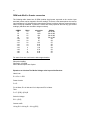
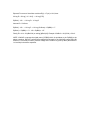
DBW and dBuV conversion
About 4nec2
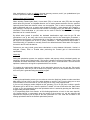
The 4nec2 help file contains so-called context–sensitive Help, making it possible that when using the
F1 key in a particular window or form, help-text describing that particular window/form is displayed.
For easy reading the content of the 4nec2 help-file is also available as a (rich)text file. To print this file,
open and print the file “4nec2.rtf”, located in the “..\4nec2\exe” folder, in your Word or Wordpad text
editor.
Other recommended sources for NEC related informations are the Nec-2 and Nec-4 user-manuals and
the excellent collection of antenna-modeling articles by L.B. Cebik (W4RNL), both available on the
internet. You can further read the _GetStarted.txt text-file included in the 4nec2 package.
The use of this 4nec2 software package is for own risk and the author of it cannot be held responsible
for any faulty results or damage resulting from the use of this software.