1
2.
Before you start
Before you start
Switching on and off
Install your TomTom GO navigation device in your car following the
instructions in the installation section at the start of this book.
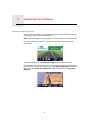
To switch on your navigation device, press and hold the On/Off button until
you see the start-up screen. The first time you switch on your device, it may
take a short time to start.
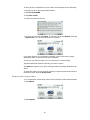
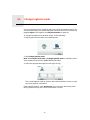
To set up your device you need to answer a few questions by tapping the
screen.
Device not starting
In rare cases, your TomTom GO navigation device may not start correctly or
may stop responding to your taps.
First, check that the battery is properly charged. To charge the battery,
connect your device to the car charger. It can take up to 2 hours to fully charge
the battery.
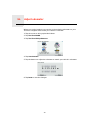
If this does not solve the problem, you can reset the device. First turn your
device off and wait for at least 10 seconds. Then use a straightened paper clip,
or something similar, to push the reset button. The reset button is on the
bottom of your device.
Battery notes
The battery in your TomTom GO navigation device charges when you connect
it to the car charger or to your computer.
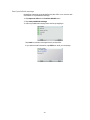
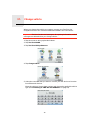
When you connect your device to a computer, you are asked if you want to
connect to the computer. If you select No and then do not tap the screen
within three minutes, the device will automatically switch off. This happens so
that the battery can charge faster.
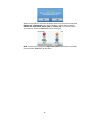
Important: The USB cable should be plugged directly into a USB port on your
computer and not into a USB hub or a USB port on a keyboard or monitor.
GPS reception
When you first start your TomTom GO navigation device, the device may
need a few minutes to determine your GPS position and show your current
position on the map. In the future, your position will be found much faster,
usually within a few seconds.
To ensure reception of a strong GPS signal, you should use your device
outdoors. Large objects such as tall buildings can sometimes interfere with
reception.
3