1
7.3
Switching Between Operation Modes
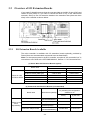
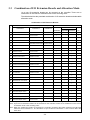
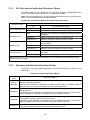
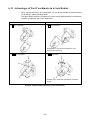
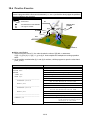
To perform teaching, it is necessary to switch to the Manual mode beforehand.
7.3.1
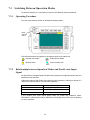
Operating Procedure
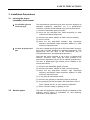
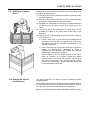
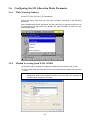
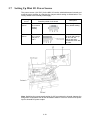
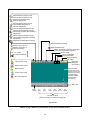
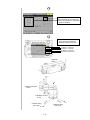
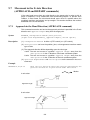
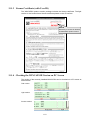
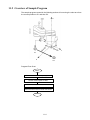
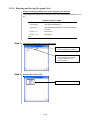
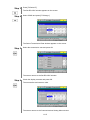
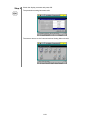
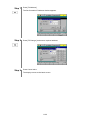
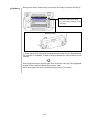
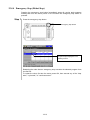
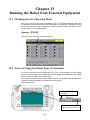
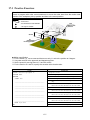
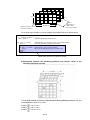
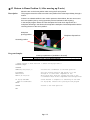
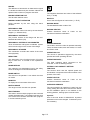
Turn the mode selector switch to the desired mode position.
Mode
selector
switch
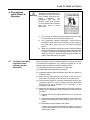
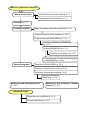
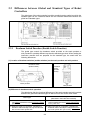
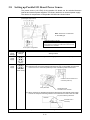
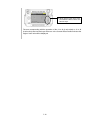
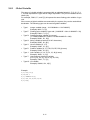
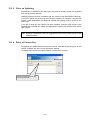
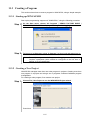
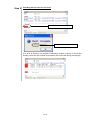
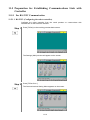
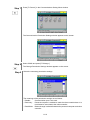
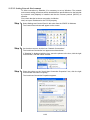
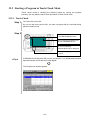
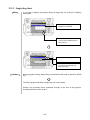
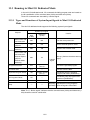
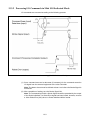
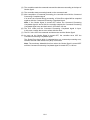
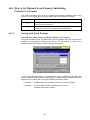
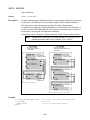
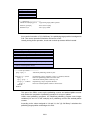
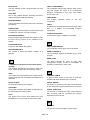
The selected mode icon appears in the leftmost area of the status bar.
7.3.2
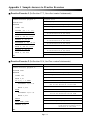
: Internal Auto mode,
: External Auto Mode
: Manual mode,
: Teach check mode
Relationship between Operation Modes and Enable Auto Input
Signal
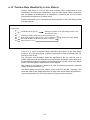
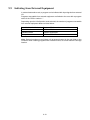
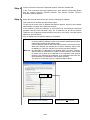
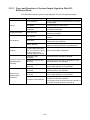
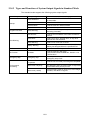
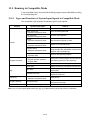
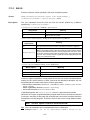
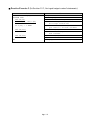
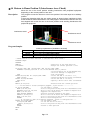
As listed below, the signal state of Enable Auto (system input signal) should match the
operation mode selected.
Change the wiring of the Enable Auto signal circuit if necessary, referring to Section 5.3
"Wire Connection Required for Automatic Operation."
Operation mode
Enable Auto input signal
Manual mode
OFF (opened)
Teach check mode
OFF (opened)
Auto mode
ON (short-circuited)
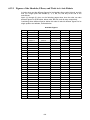
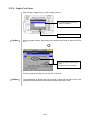
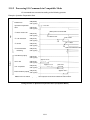
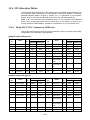
If the Enable Auto input signal status does not match the operation mode,
ERROR21F2 (Enable Auto ON) or ERROR 21F3 (Enable Auto OFF) occurs, allowing
no more operation.
7-5