1
Chapter 2 Basic Functions and Operational Flow
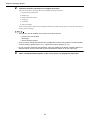
Step 5: Compile executables.
The compiler converts project programs to executables for execution by the robot controller.
For further details, refer to Chapter 5 "Writing Programs" (P. 70).
Step 6: Send data to robot controller.
Connect to the robot controller and send it the data necessary for robot operation.
For further details, refer to 4.7 "Link with Robot Controller" (P. 59).
Step 7: Test program operation (debug).
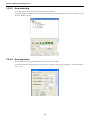
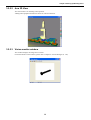
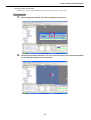
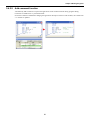
Use WINCAPS III online functions to examine program flow, determine the robot's operation range, and detect
collisions with surrounding equipment. Modify the program to eliminate any problems detected. Repeat the
compile-debug cycle until no such problems remain.
For further details, refer to Chapter 7 "Online Functions" (P. 107).
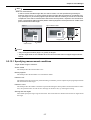
Note
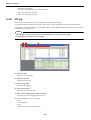
• WINCAPS III directly controls robot controller program operation.
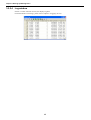
• Trace logging allows efficient validation of multitasking and other complex program flow as well
as easy analysis of interactions with other programs.
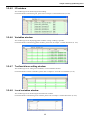
• I/O logging simplifies timing adjustments with neighboring equipment for use in optimizing operation and reducing cycle times.
Step 8: Back up data.
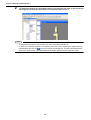
Use WINCAPS III to save the robot controller's internal data in projects.
For further details, refer to 4.7.2 "Data transfers" (P. 60).
Step 9: Exit WINCAPS III.
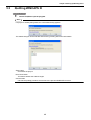
For further details, refer to Chapter 3 "Starting Up/Shutting Down" (P. 13).
11