1
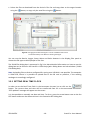
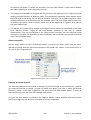
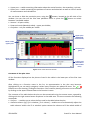
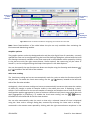
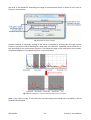
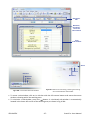
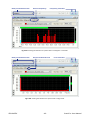
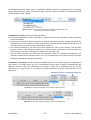
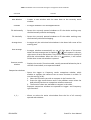
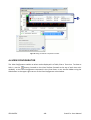
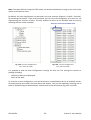
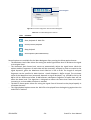
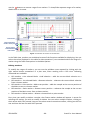
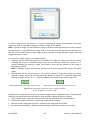
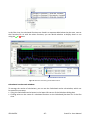
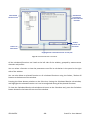
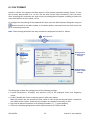
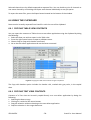
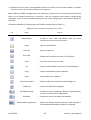
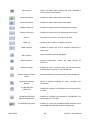
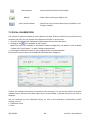
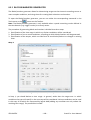
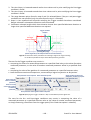
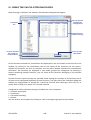
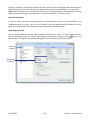
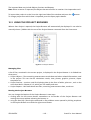
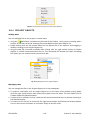
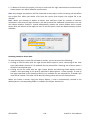
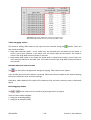
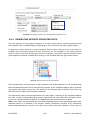
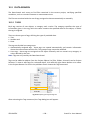
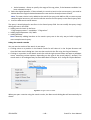
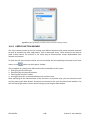
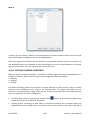
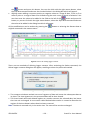
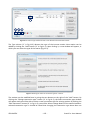
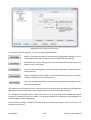
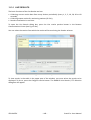
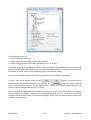
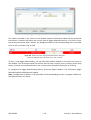
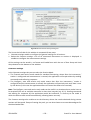
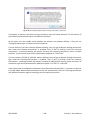
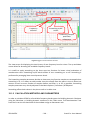
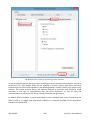
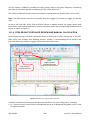
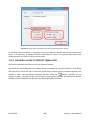
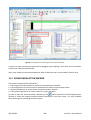
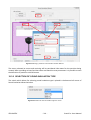
3.2 DATA TRANSFER 3.2.1 DOWNLOADING FILES FROM INSTRUMENT To download data from a SVAN instrument using SvanPC++ software, you have to do the following: 1. Connect the instrument to the PC. 2. Switch on the instrument. 3. Launch SvanPC++. 4. Manage the files transfer with the use of the SVAN Files dialog box. The SVAN Files dialog box can be opened through the Instrument Wizard (see Chapter 3.4: Instrument Wizard). You can also use the SVAN Files command in the SVAN menu or press the button on the Toolbar. Source selection Display filter buttons Destination selection Files list (Device) Files list (Local) Fig.3-1a. SVAN Files dialog box. To download files in the SVAN Files dialog box, you have to do the following: Select the device from which you want to download files (if multiple devices are connected), as well as the memory type and sub-catalogue used as the source (if multiple sources are supported). Important: Changing the viewed directory in a SVAN 979 instrument to Internal memory also causes to change the instrument’s working catalogue (where the data is being saved) to internal memory (see Fig.3-1b). Select the transfer destination (a local PC / LAN folder or a Svan Project file) and the local destination folder. © SVANTEK -9- SvanPC++ User Manual