1
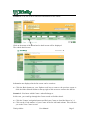
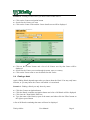
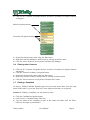
♦ Click the 'Schools' button at the bottom of the screen and only the schools belonging
to that Centre will be displayed.
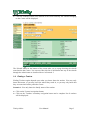
The 'Schools' button at the bottom of the screen takes you to a page showing the schools
associated to that Centre. You can now filter this list or drill down into any of the schools
through the school name as described above in Scenario 2.
3.2 Finding a Teacher
Finding Teachers again depends upon what you know about the teacher. You may only
know their name, or you may know the school they teach in, or you may only know that
they are associated with a particular Centre.
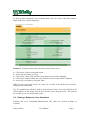
Scenario 1. You only know the family name of the teacher.
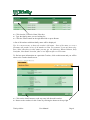
♦ Click on the 'Centres' navigation button
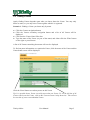
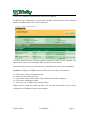
♦ Click on the 'Teachers' secondary navigation button and a complete list of teachers
will be displayed:
Trinity Online
User Manual
Page 3