1
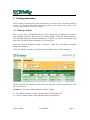
Scenario 2: You now want to find more information on the school
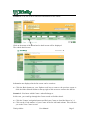
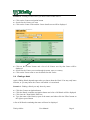
Click on the name of the school and a detail screen will be displayed:
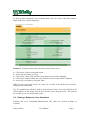
The school detail screen:
Information not displayed in the list screen can be seen here.
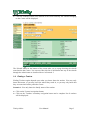
♦ Click the Back button on your Explorer tool bar to return to the previous screen or
click the 'Other Schools' button at the top right of this screen to return to the full list.
Scenario 3. You know which Centre a school belongs to.
In this case, you would go through the Centre record to find the school.
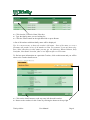
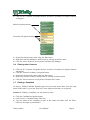
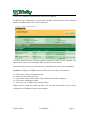
♦ Click the 'Centres' navigation button and find your Centre as described above in 3.1.
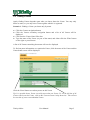
♦ Click on the 'Code number' of your Centre in the far left hand column. This will take
you to the 'View Centre' screen.
Trinity Online
User Manual
Page 2