1
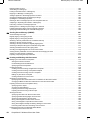
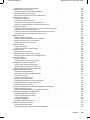
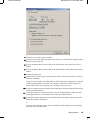
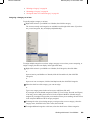
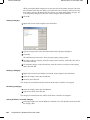
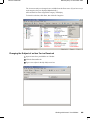
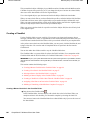
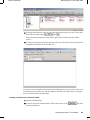
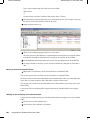
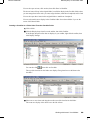
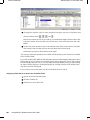
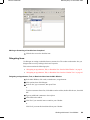
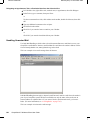
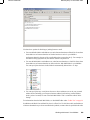
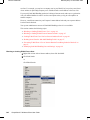
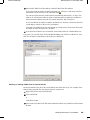
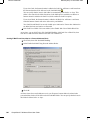
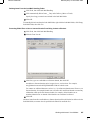
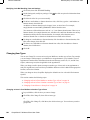
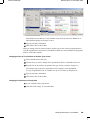
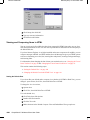
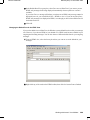
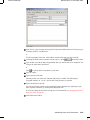
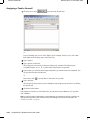
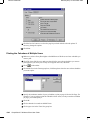
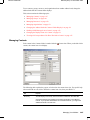
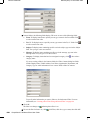
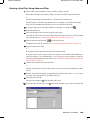
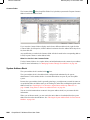
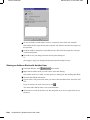
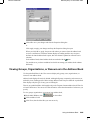
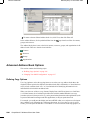
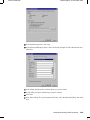
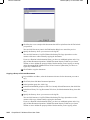
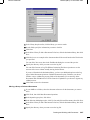
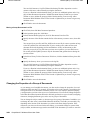
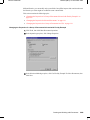
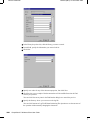
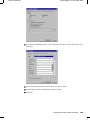
Novell Confidential 11 Manual (99a) 21 December 2004 Using Newsgroups You can view and post newsgroup items from GroupWise®. Newsgroups are similar to bulletin boards on the Internet. You can find newsgroups about almost any topic. Newsgroups are similar to GroupWise shared folders, except instead of sharing information within your department or company, you can share information with anyone on the Internet. To use newsgroups, you must have access to an NNTP server. Your Internet Service Provider (ISP) will give you the correct server information and login name (if necessary). You can also search the Internet for a list of free NNTP servers that you can use. This section contains the following topics: “Adding a News Account” on page 261 “Deleting a News Account” on page 262 “Subscribing to a Newsgroup” on page 262 “Posting a New Discussion to a Newsgroup” on page 263 “Replying to a Message in a Newsgroup” on page 263 “Adding a Signature to All Newsgroup Items You Send” on page 264 “Changing the Display Name for Newsgroup Postings” on page 264 “Updating the Local Newsgroup Folder” on page 264 “Deleting an Item in a Newsgroup from Your GroupWise Item List” on page 265 “Collapsing or Expanding All Threads in a Newsgroup” on page 265 “Performing a Search on a Newsgroup Server” on page 265 “Marking Items in a Newsgroup According to Your Interests” on page 265 “Indenting Newsgroup Reply Text with a Specific Character” on page 265 “Specifying Download Settings for Individual Newsgroups” on page 266 Adding a News Account 1 Click Accounts, then click Account Options. 2 Click the News tab, then click Add. 3 Type an account name, then click Next. The name can be anything you want. The name you type will display next to the folder in your Folder List. Using Newsgroups 261