1
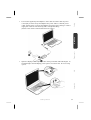
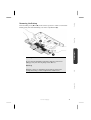
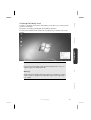
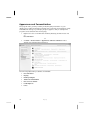
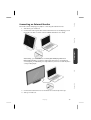
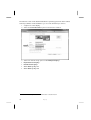
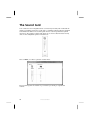
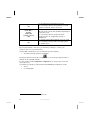
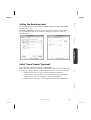
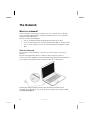
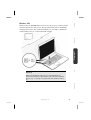
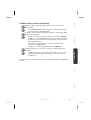
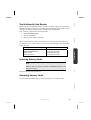
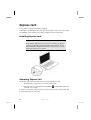
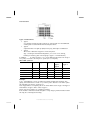
Memory cards are media that are being used for a variety of purposes, especially in digital photography. They are increasingly replacing the floppy disk. The form and capacity of a memory card can vary according to the manufacturer. Safety The Multimedia Card Reader MMC (MultiMediaCard) SD® (Secure Digital) Memory Stick / Memory Stick Pro Card type Contacts SD® (Secure Digital) MMC (MultiMediaCard) Memory Stick Memory Stick Pro pointing downwards pointing downwards pointing downwards pointing downwards Components When inserting memory cards, ensure that the contacts are facing the right way. See table below. Incorrect insertion of a card can cause damage to the card reader and/or the card. Handling Your notebook supports the following formats: Inserting Memory Cards Note Aid Memory cards can only be installed in one direction. Refer to the instructions above. Push the memory card into the slot. Removing Memory Cards Appendix To remove the SD®/MMC-cards or memory sticks pull it out and remove it. The Network 59