1
4.11 System Utilities
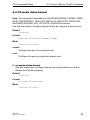
4.11.28temperature
Note: The command is available for RS20/RS30/RS40, MS20/MS30,
RSR20/RSR30, MACH100, MACH1000, PowerMICE, MACH4000 and
OCTOPUS devices.
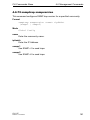
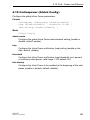
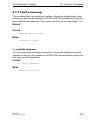
This command configures the lower and upper temperature limit for the
device. If these limits are exceeded, a trap is sent. The unit for the
temperature limit is °C (Celsius), the minimum value is -99, the maximum
value is 99. The default for the lower limit is 0, for the upper limit, it is 70.
Note: To give the temperature in Fahrenheit, use the suffix f.
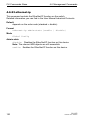
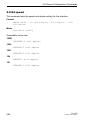
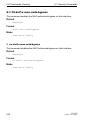
Format
temperature {lower-limit|upper-limit} <temperature
value> [c|f]
Mode
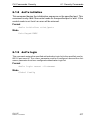
Global Config
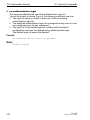
lower-limit
Configure the lower temperature limit.
upper-limit
Configure the upper temperature limit.
CLI L2P
Release 8.0 05/2013
319