1
User’s Guide
Troubleshooting for Printing/Copying
❏ Users of Windows can clear any stalled print jobs from the Windows Spooler.
& “Canceling printing” on page 55
❏ Uninstall the printer driver, then reinstall it.
& “Uninstalling Your Software” on page 146
An ink error is indicated after you replace the cartridge
A
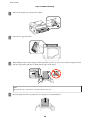
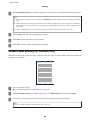
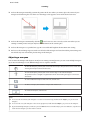
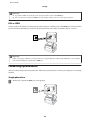
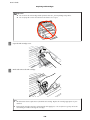
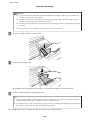
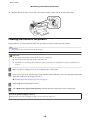
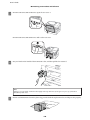
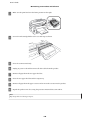
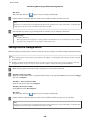
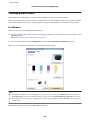
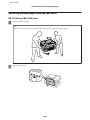
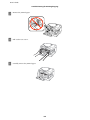
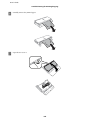
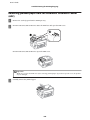
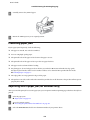
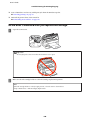
Open the scanner unit.
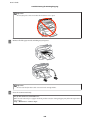
Important:
c Do
not lift up the scanner unit when the document cover is open.
B
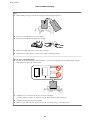
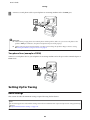
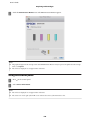
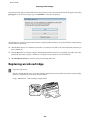
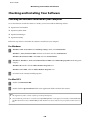
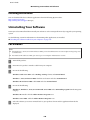
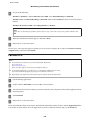
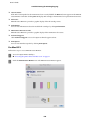
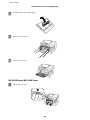
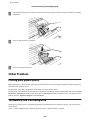
Make sure the ink cartridge holder is at the ink cartridge replacement position.
Note:
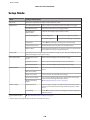
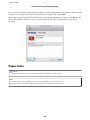
If the ink cartridge holder is at the far right position, select the menu as shown below.
Setup > Maintenance > Ink Cartridge(s) Replacement
180